All your servers.
One calm panel.
Deploy apps, databases and compose stacks to as many Linux servers as you own. Push to GitHub, Seylo builds it, checks it, and switches traffic without downtime.
Starts the panel and makes this server its first node. Add more servers from the panel.
- Open source
- AGPL-3.0
- Self-hosted
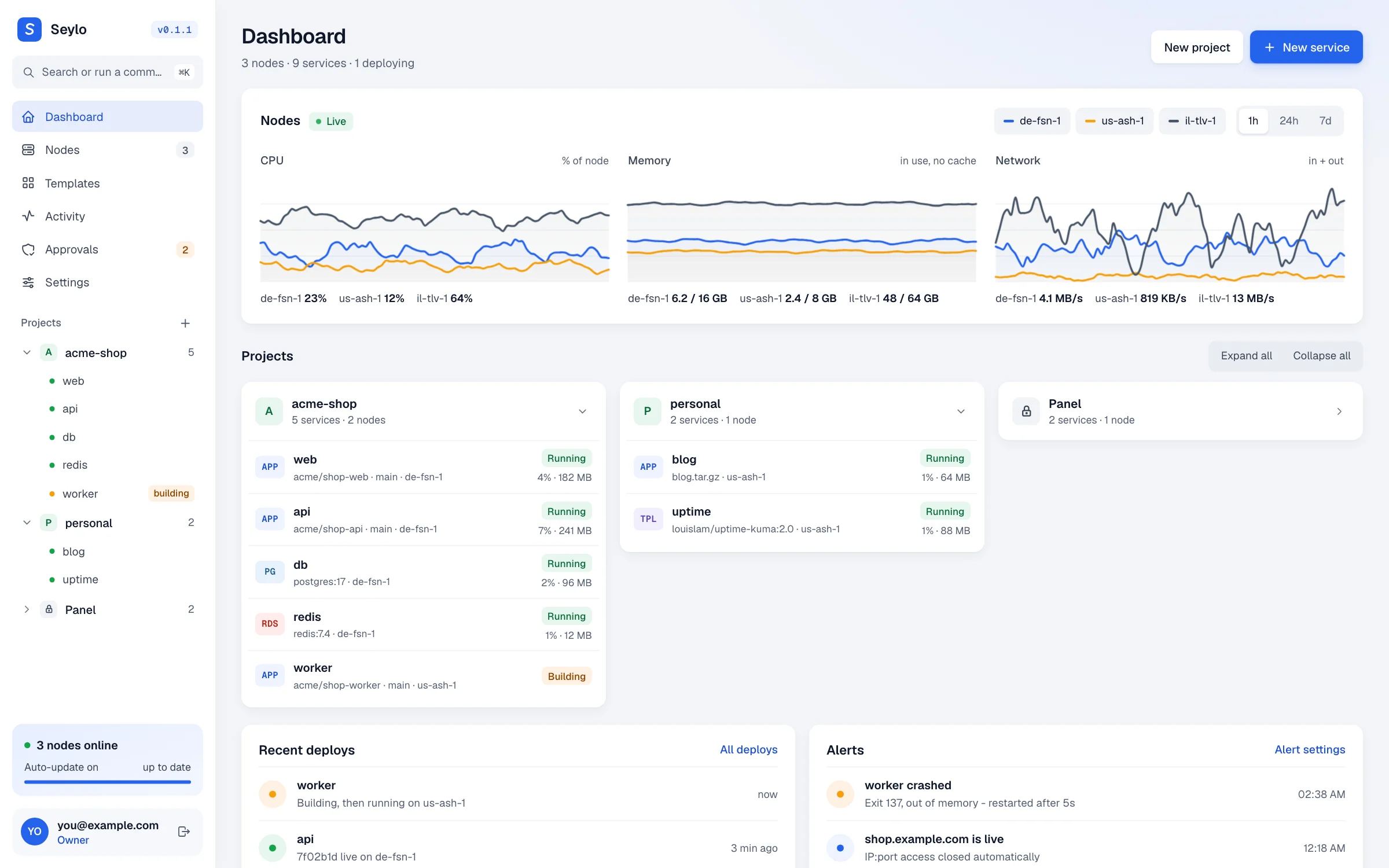
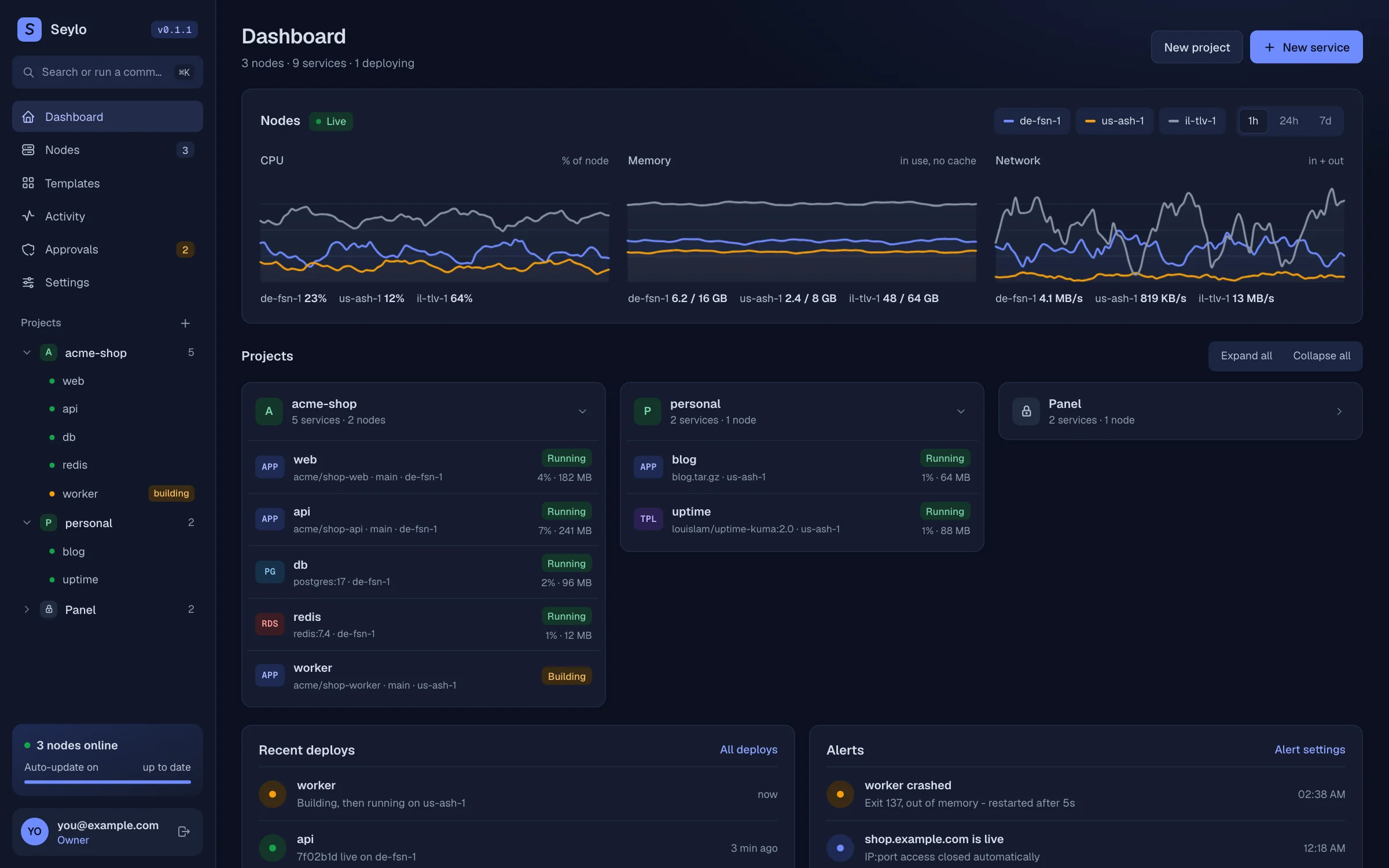
Everything a small platform team would build. Already built.
One panel, any number of nodes, and the boring parts handled: certificates, restarts, cleanup, updates.
- deploy
Push to deploy, zero downtime
GitHub, any Git host, Docker images or a Dockerfile. A failed health check keeps the old version live.
- nodes
Many servers, one panel
Germany, the US, your closet. Each node keeps running its apps even when the panel is down.
- data
Databases that stay private
Postgres, MySQL, MariaDB, Mongo and Redis on a private network, reachable by name. Expose one with SSL when you need to.
- compose
Compose stacks and templates
Paste a compose file or install from the catalog. Every container gets logs, domains and restarts.
- domains
Domains on autopilot
A wildcard per node gives every service a domain. Custom domains get HTTPS on their own.
- alerts
Crash reports that say why
Restarts on crash, the last log lines in your inbox, Discord or any webhook.
- console
Console, shell and files
Type into the running app, open a shell, browse volumes, all from the browser.
- mcp
Built for AI assistants
An MCP server lets Claude deploy, read logs, change env and open a dev tunnel. Read-only by default; deletes wait for your approval.
- brand
Yours to brand
White label, theme presets, custom CSS and your own maintenance pages.
23 apps, one click each.
n8n, Plausible, Grafana, Vaultwarden and the rest install as normal services: a pinned image, a database when it needs one, a domain and its own passwords. Change anything afterwards.
- See the services before anything is created
- Passwords generated for you
- Template code runs sandboxed
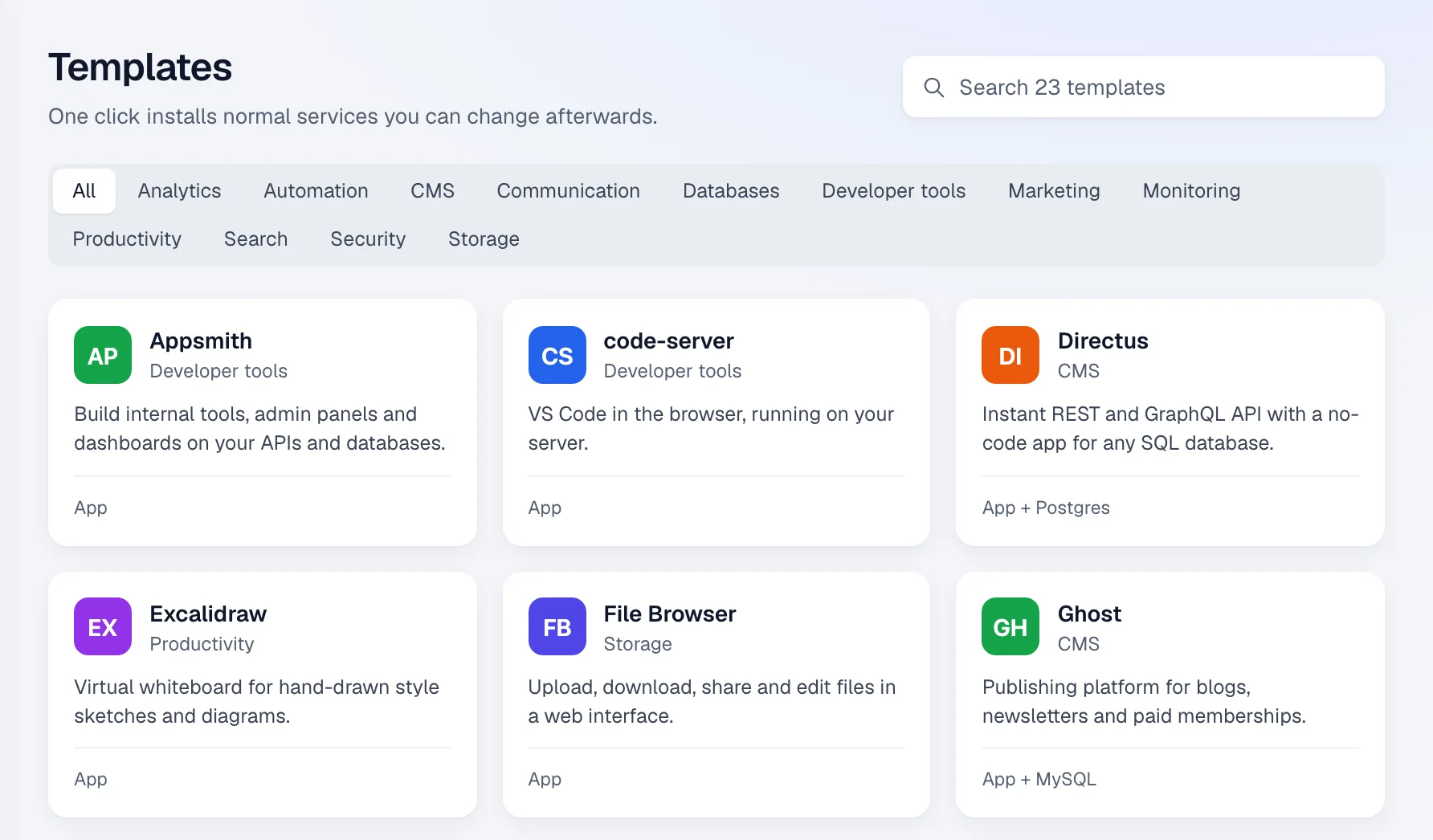
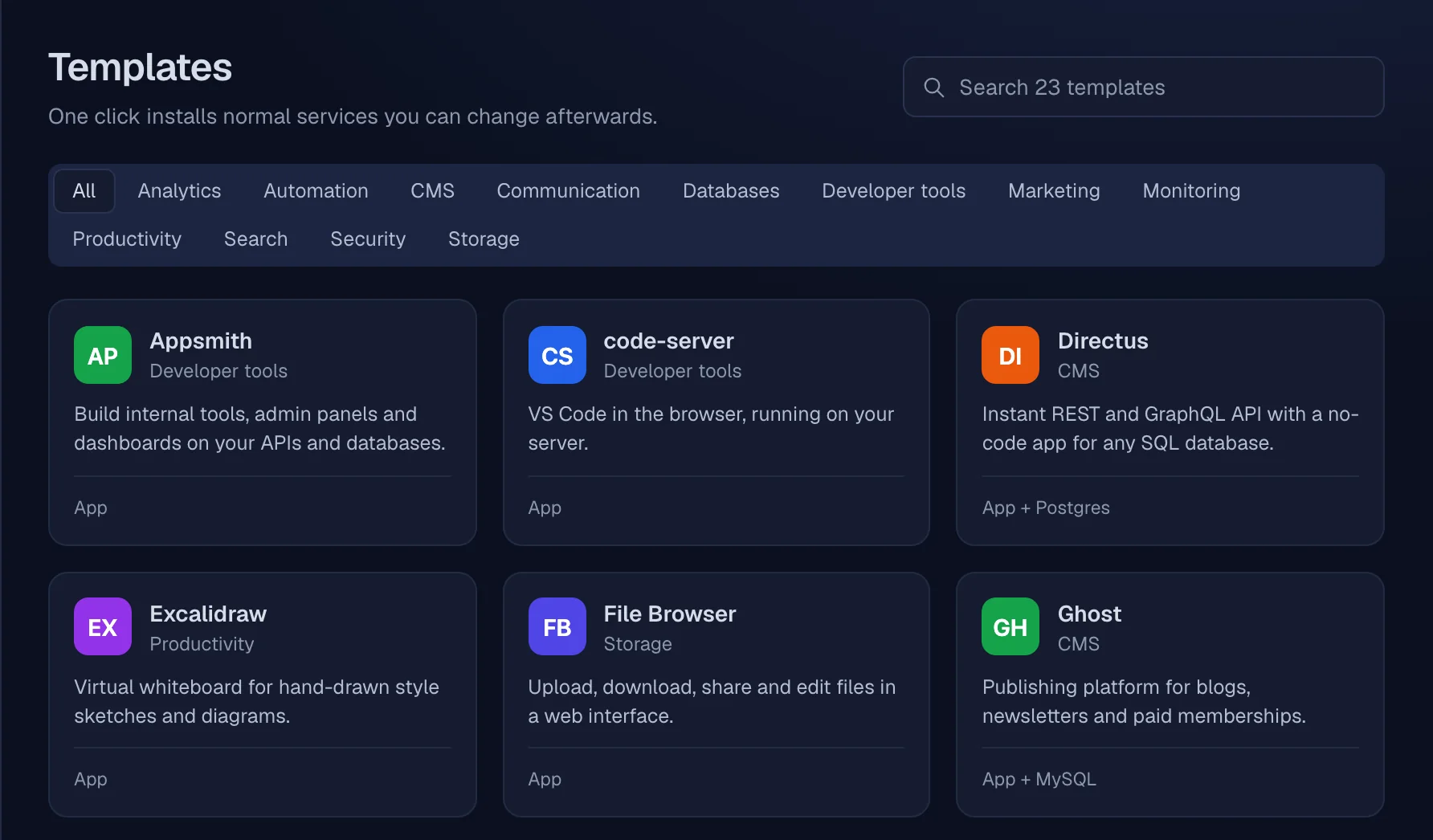
- AppsmithDeveloper tools
- code-serverDeveloper tools
- DirectusCMS
- ExcalidrawProductivity
- File BrowserStorage
- GhostCMS
- GiteaDeveloper tools
- GrafanaMonitoring
- IT ToolsDeveloper tools
- listmonkMarketing
- MattermostCommunication
- MeilisearchSearch
- MetabaseAnalytics
- n8nAutomation
- NocoDBDatabases
- pgAdminDatabases
- Plausible AnalyticsAnalytics
- PrometheusMonitoring
- Redis InsightDatabases
- Stirling PDFProductivity
- UmamiAnalytics
- Uptime KumaMonitoring
- VaultwardenSecurity
- Your ownAdded through the API
Settings you'd otherwise script.
What usually lives in a Traefik file, a cron job or a wiki page is a field on the service, applied by the node.
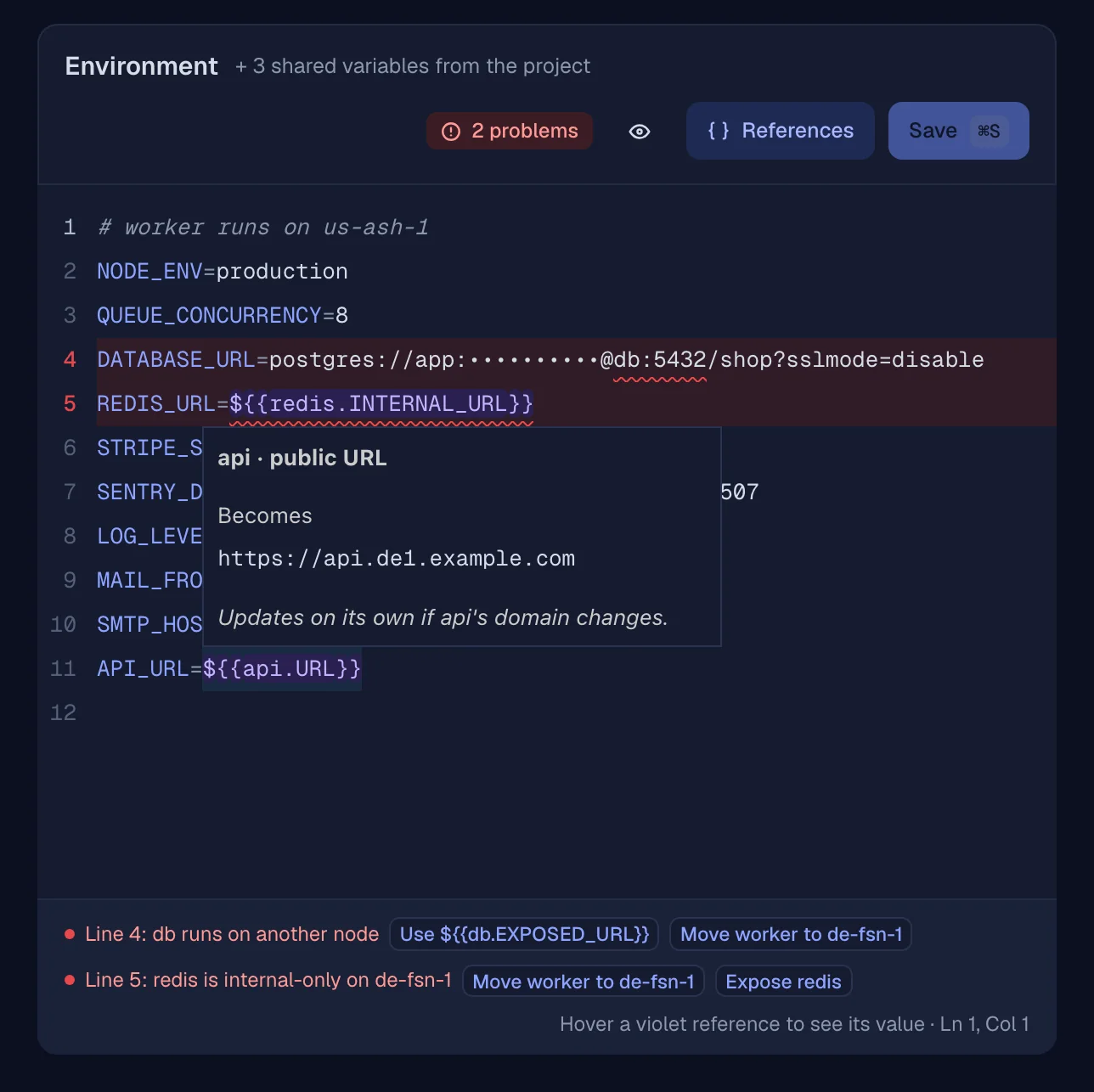
Env that knows your other services
${{redis.INTERNAL_URL}}resolves on every deploy. The editor underlines a reference this node can't reach and offers the fix. Hover one to see its value.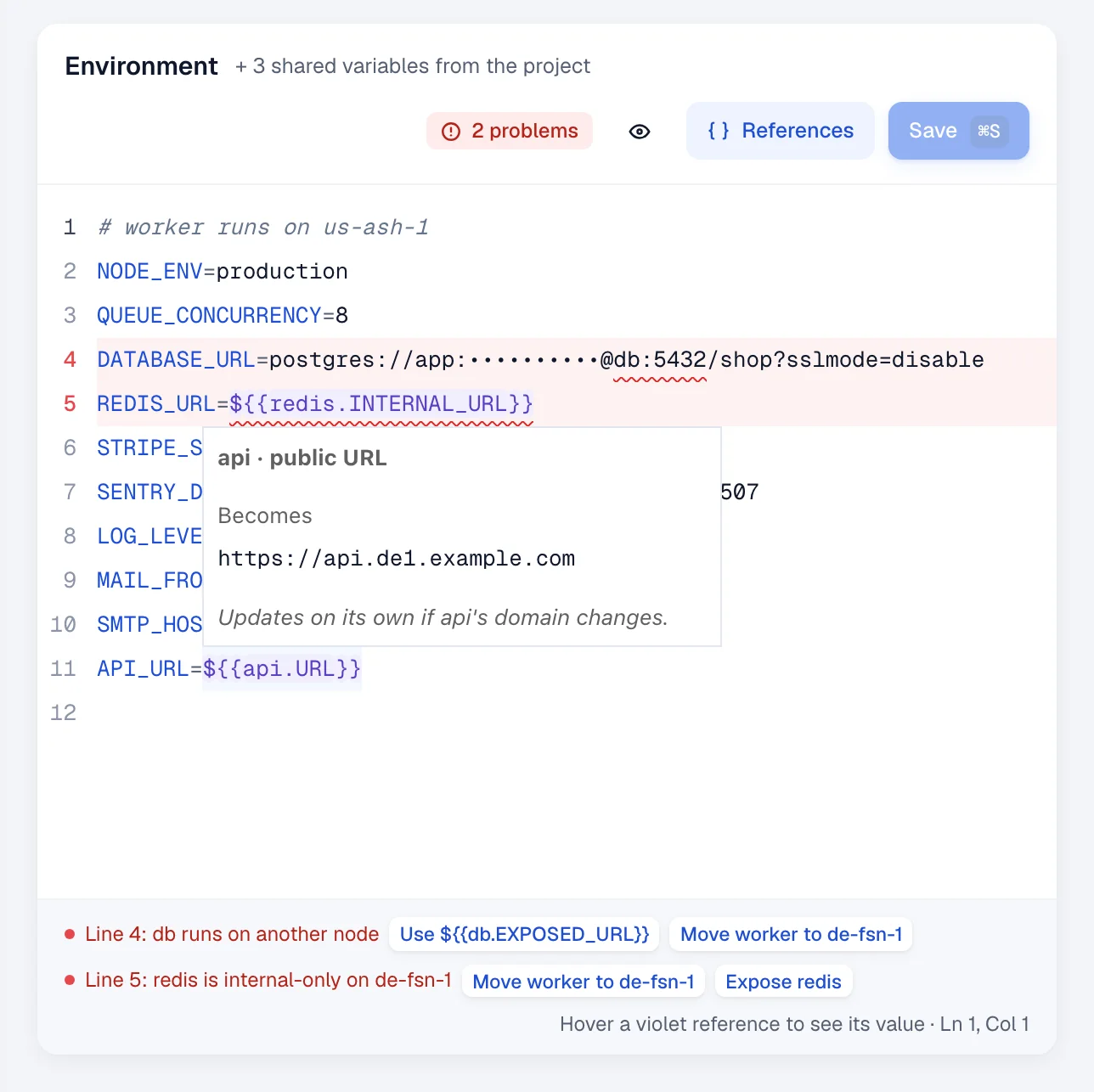
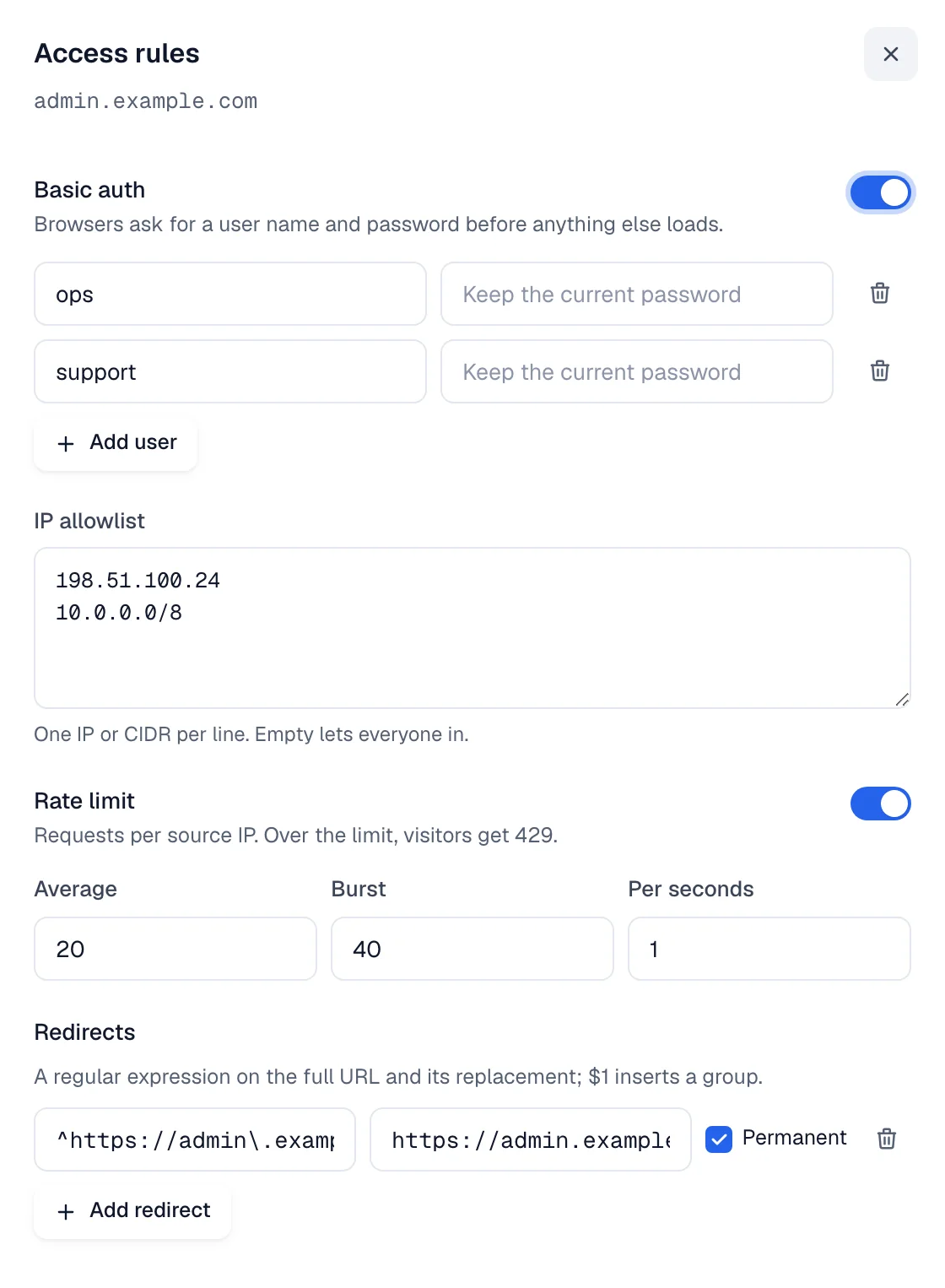
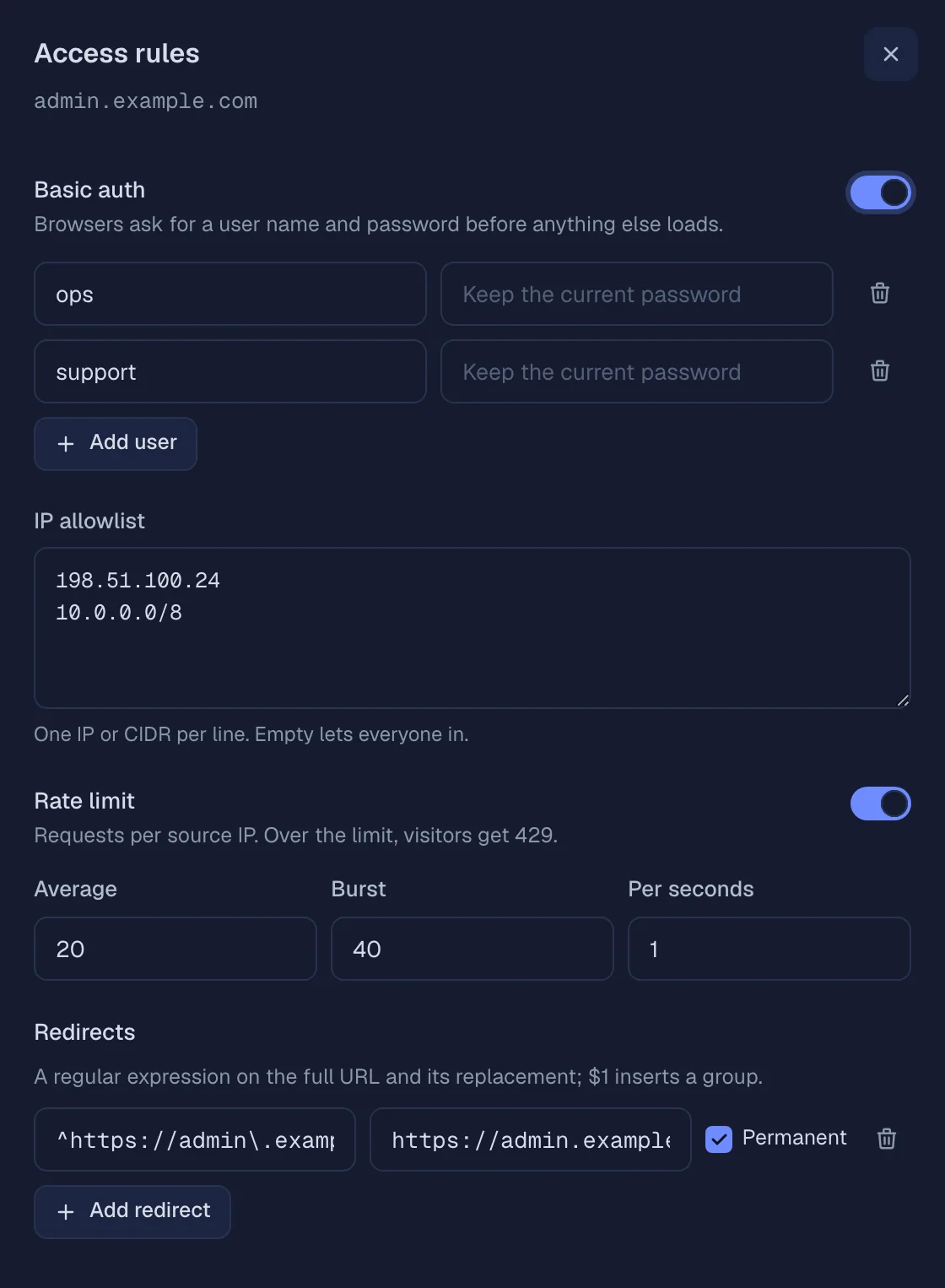
Access rules per domain
Basic auth, an IP allowlist, a rate limit and regex redirects on each domain. No middleware files to edit.
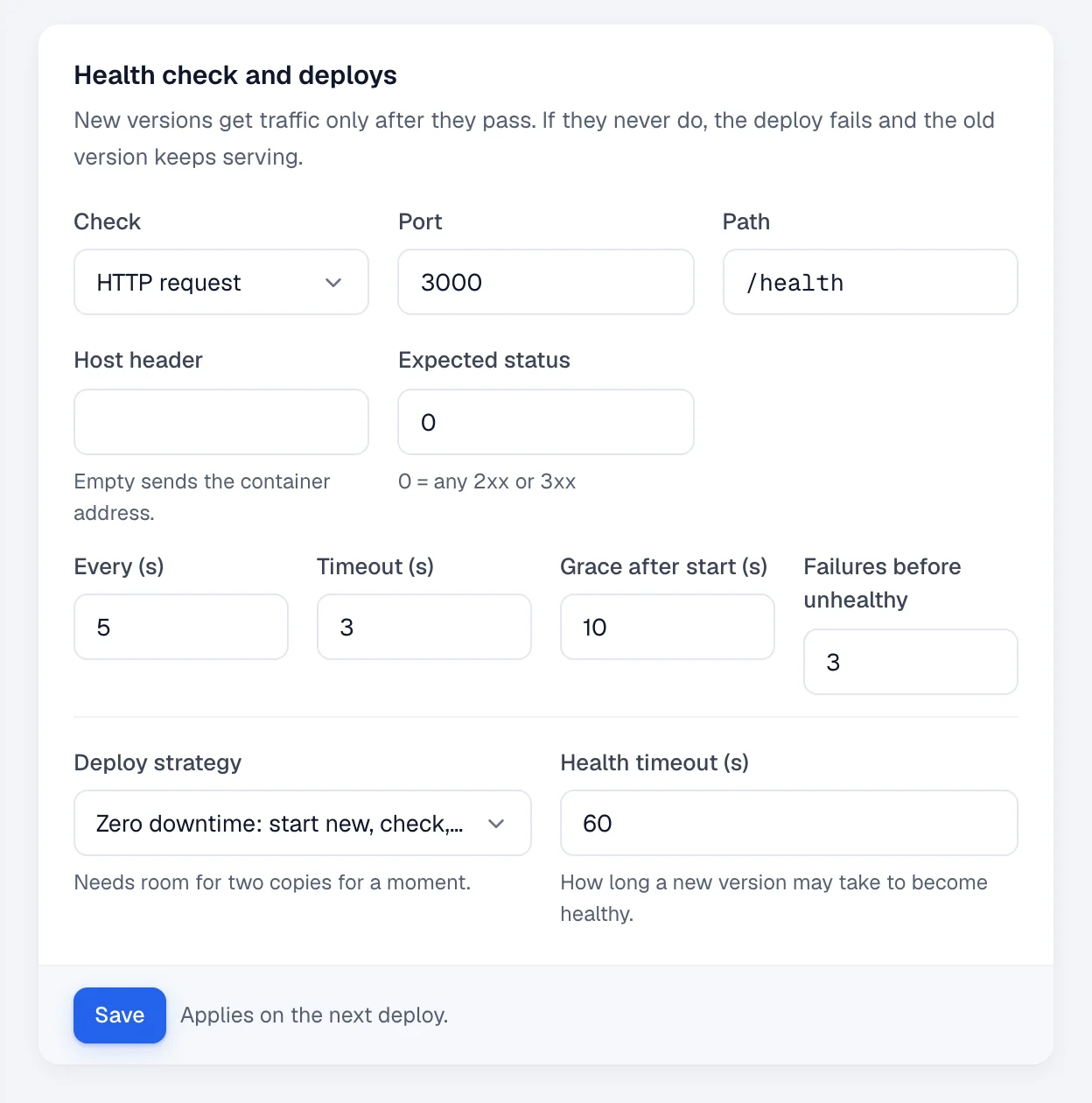
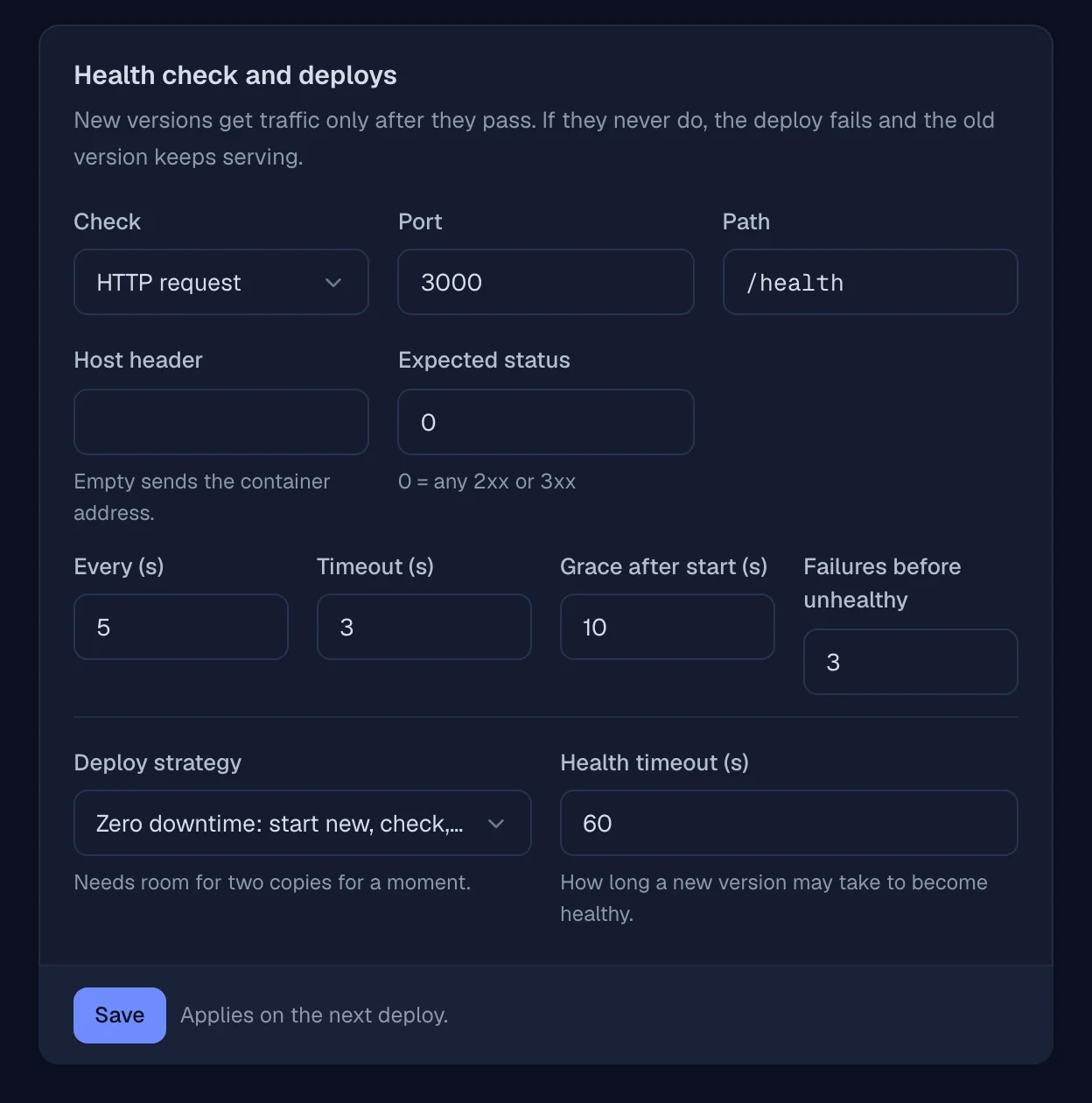
Health checks that gate deploys
TCP, an HTTP request with path, host and expected status, or a command. A new version gets traffic only after it passes; if it never does, the old one keeps serving.
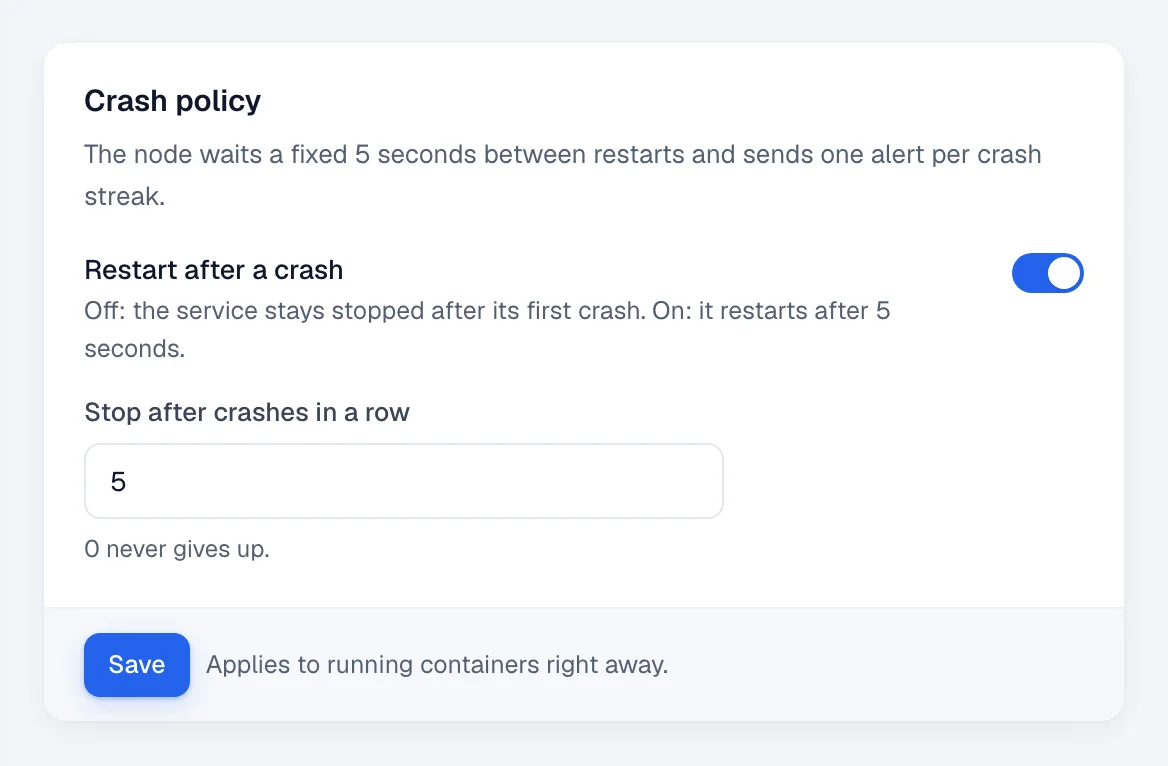
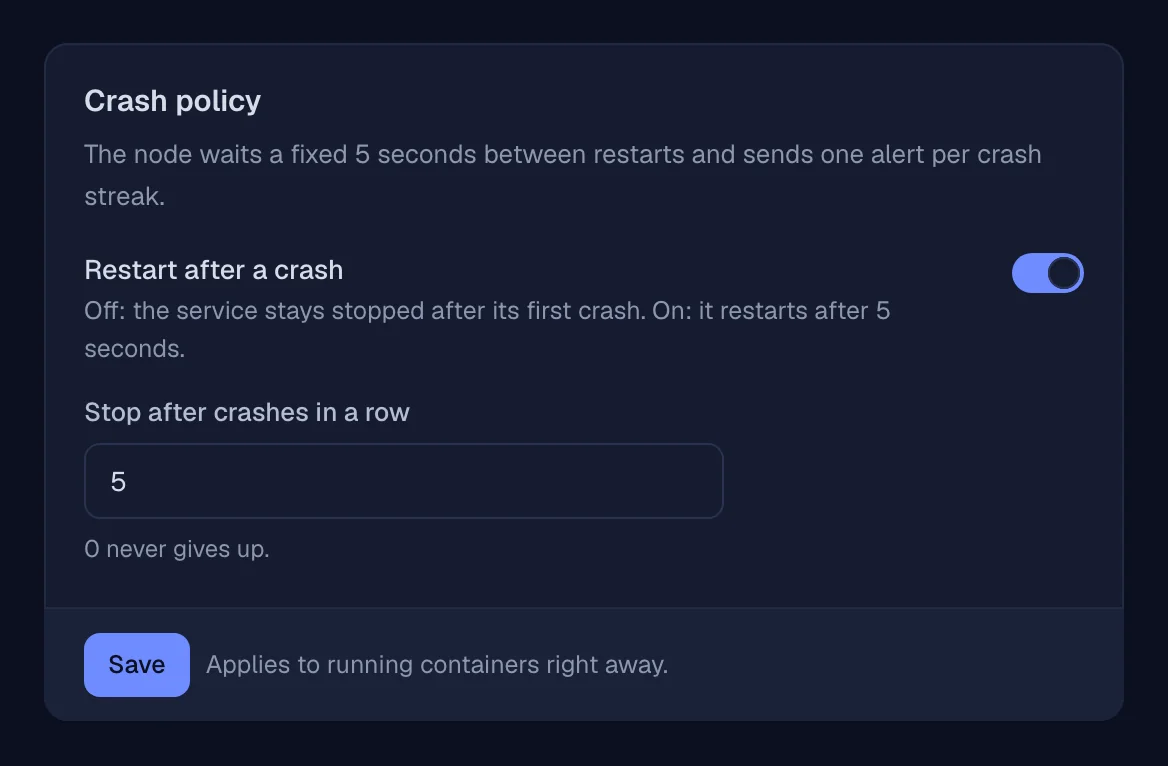
A crash policy, not a restart loop
Restart after a fixed 5 seconds, stop after N crashes in a row, and get one alert per streak instead of one per crash.
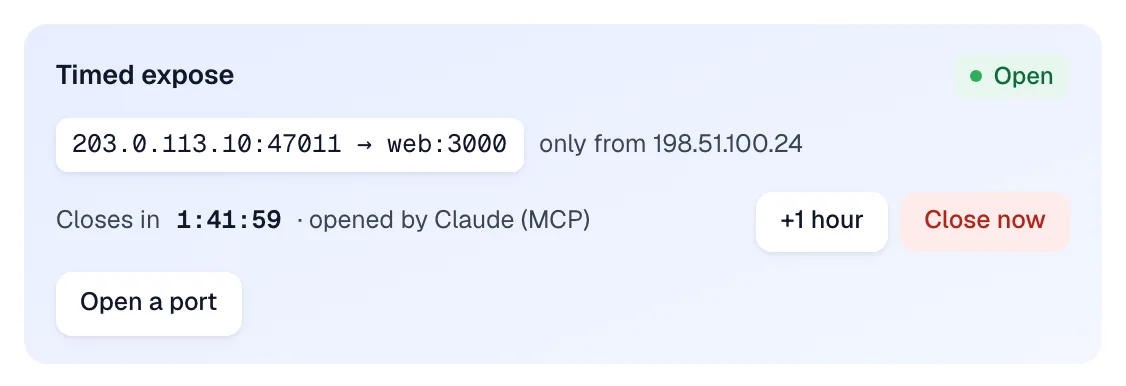
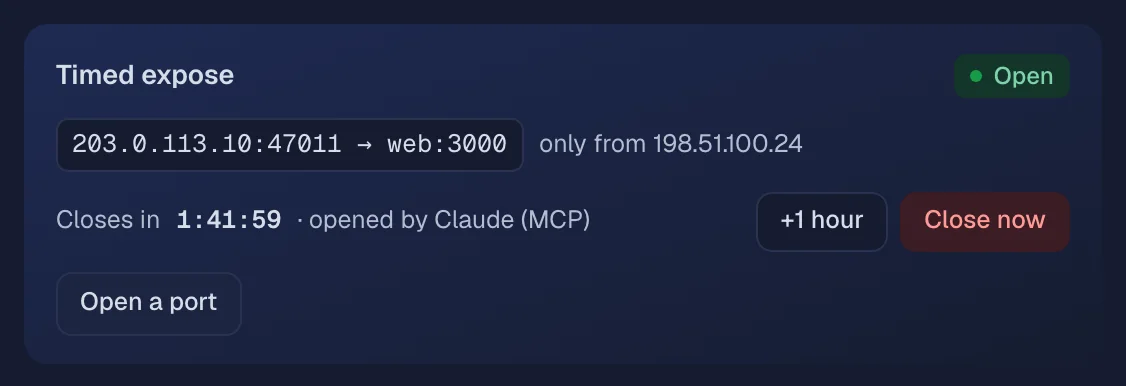
Timed expose, locked to your IP
A port open for 5 minutes to 24 hours, only to the IPs you list. The node closes it on time, even with the panel down.
Maintenance and down pages
One switch puts one service, or all of them, behind a maintenance page that answers 503. A down page shows by itself while a service is stopped, on its first deploy or unreachable.
- Built-in page with your message
- Your own HTML, scripts off
- Per service or panel-wide
Many servers, one panel.
Add a server with one command from the panel. Each node keeps its services running, restarting and routing on its own, even while the panel is down.
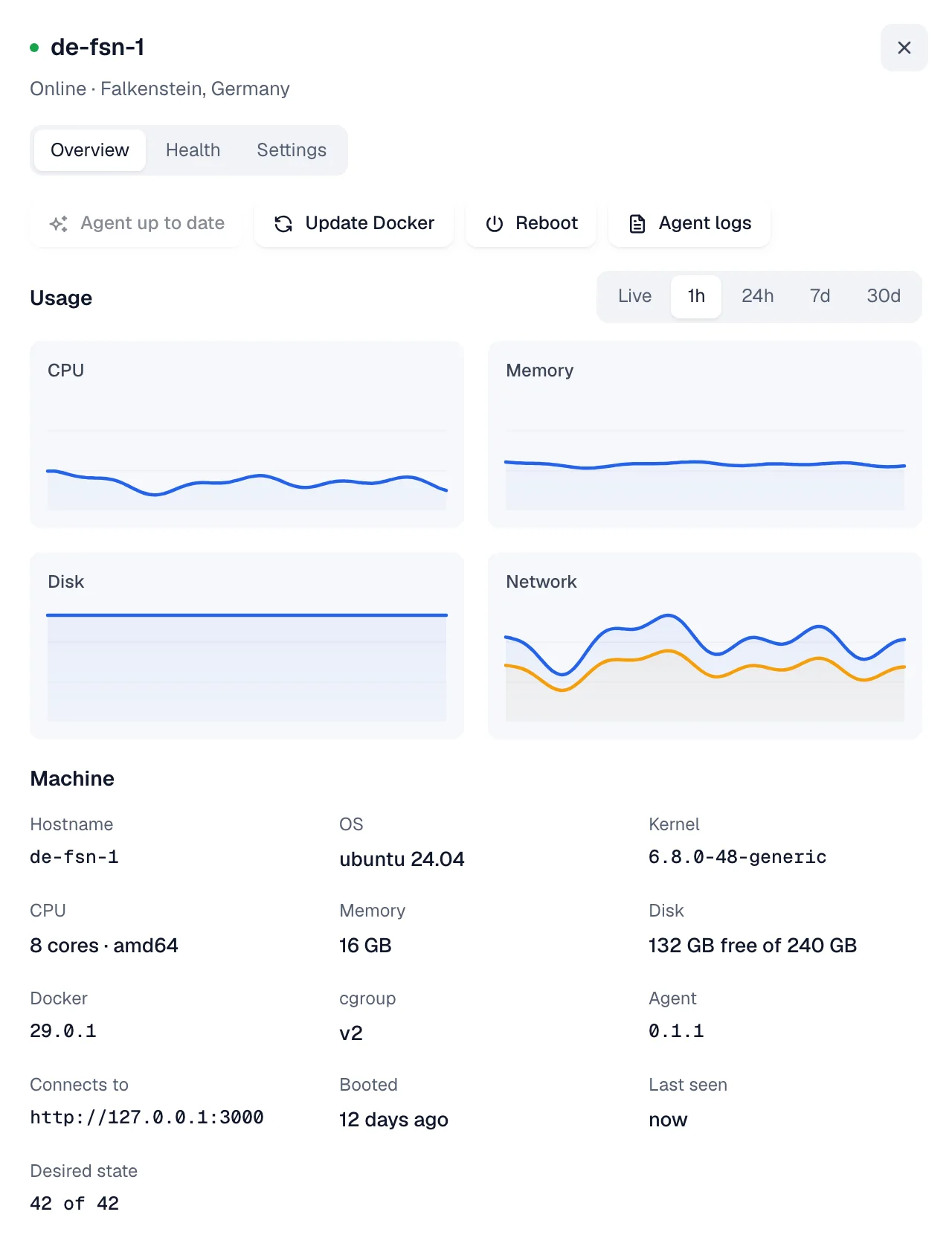
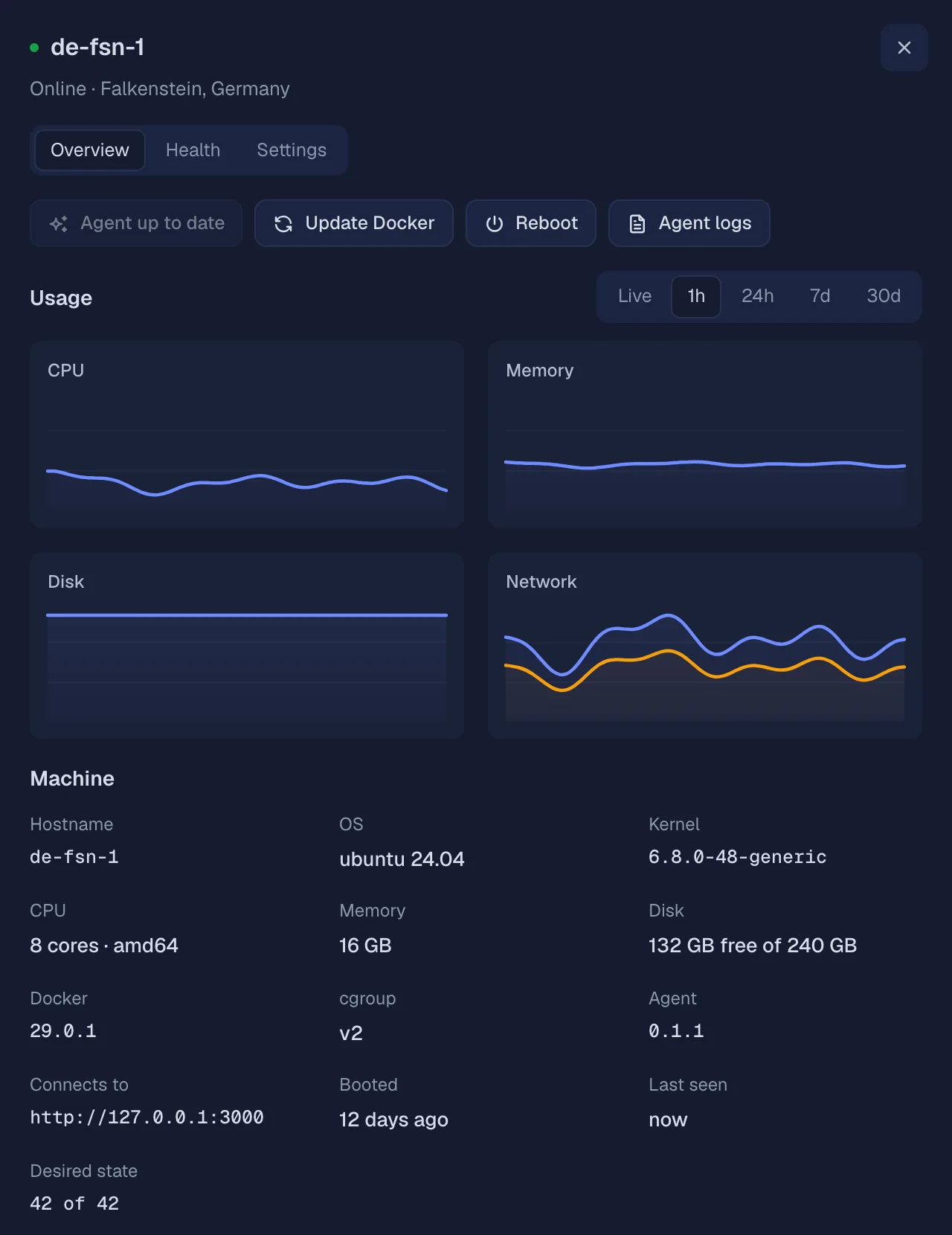
Live graphs for every node
CPU, memory, disk and network, live or over 30 days, next to the machine's facts and the services it runs. Nodes dial out to the panel, so they need no open port for it.
- Live to 30 days
- Machine facts
- Agent logs
- Reboot
Replicas across nodes, or a clean move
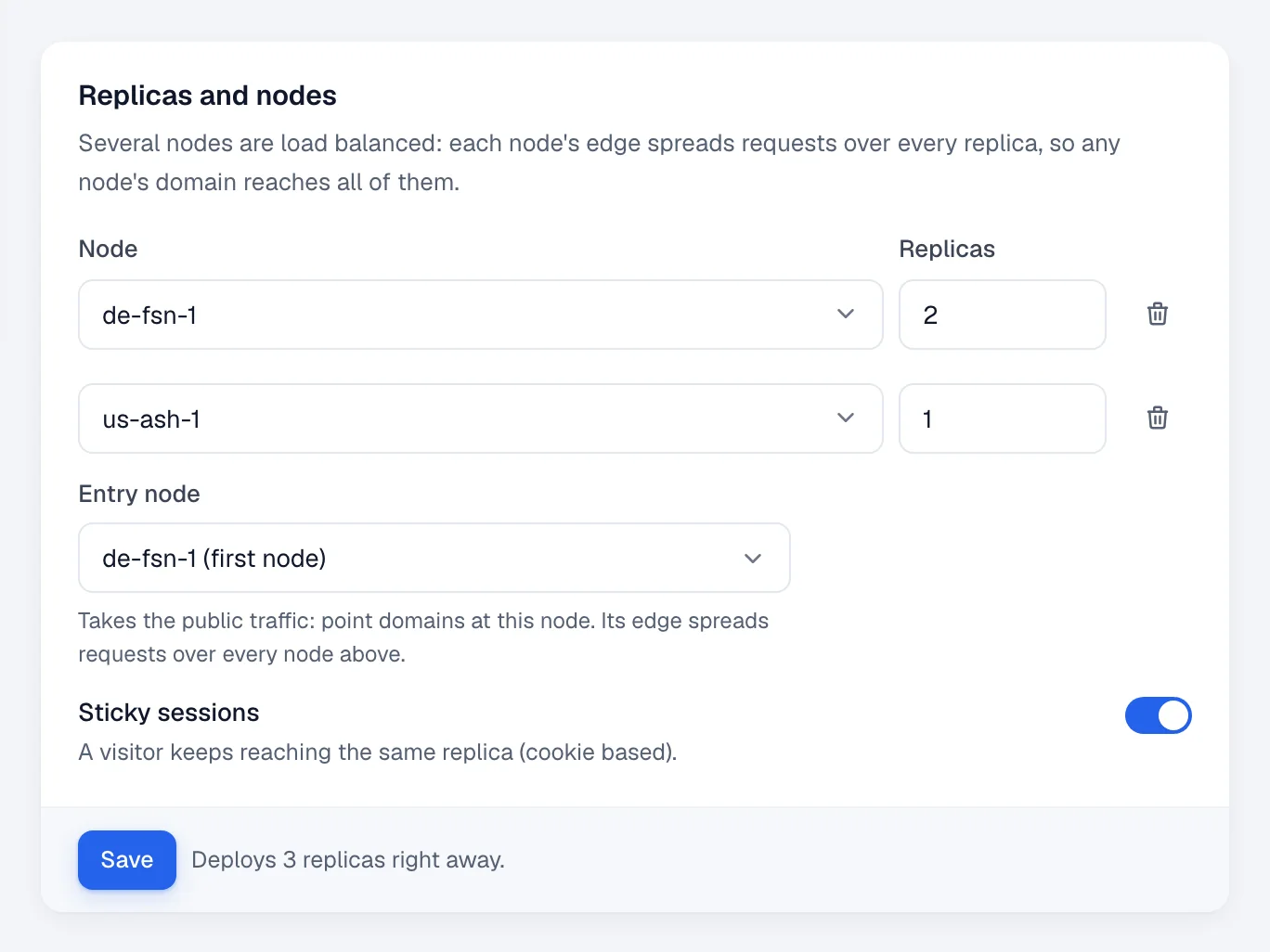
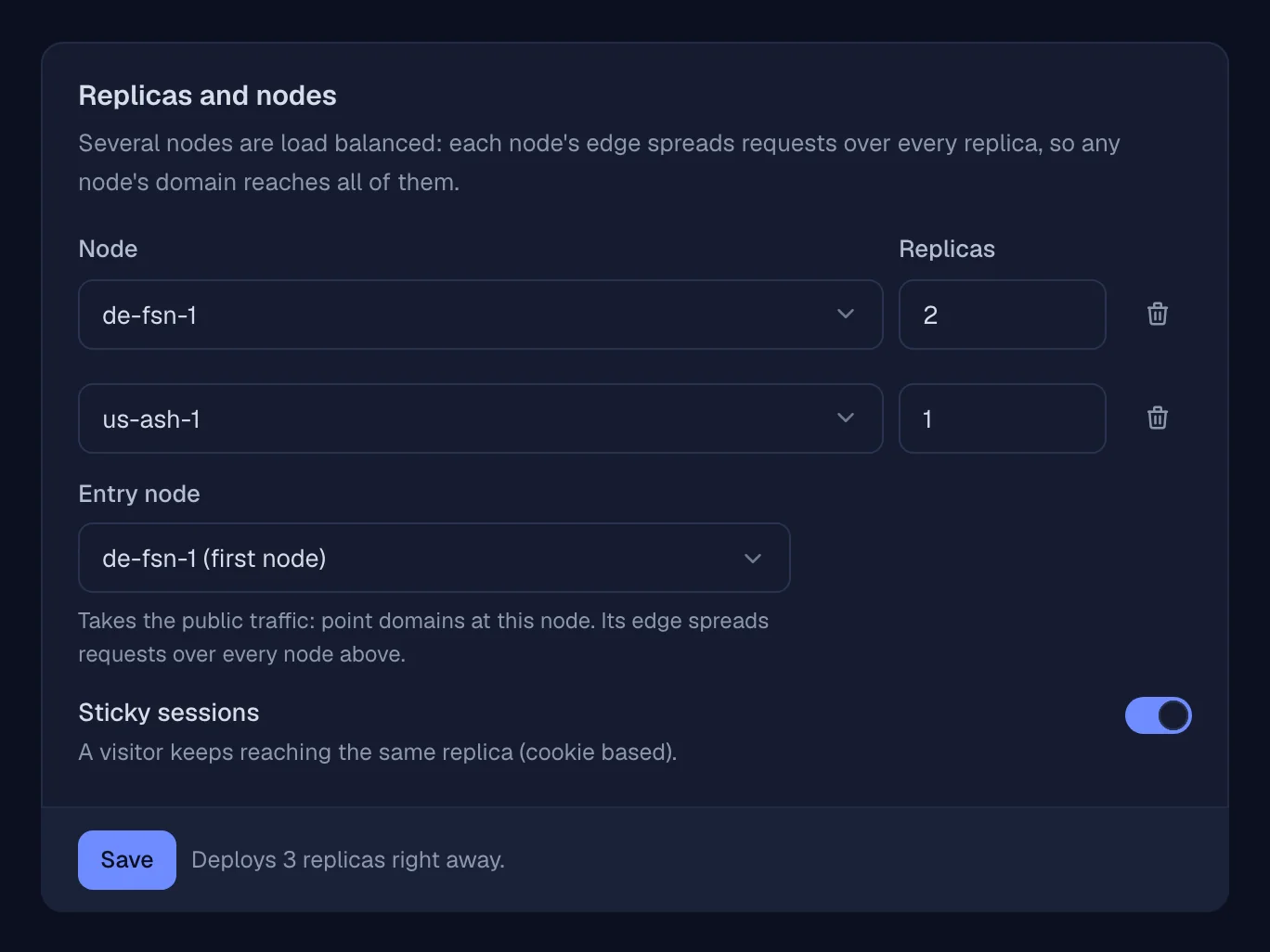
Run copies on several nodes. Each node's edge spreads requests over all replicas, or pick an entry node that takes the public traffic and does the spreading. Moving a service deploys it on the new node, stops the old copy while its volumes are copied over, switches traffic, then removes the old copy. If anything fails, it stays where it was.
- Load balanced
- Entry node
- Sticky sessions
- Volumes move with it
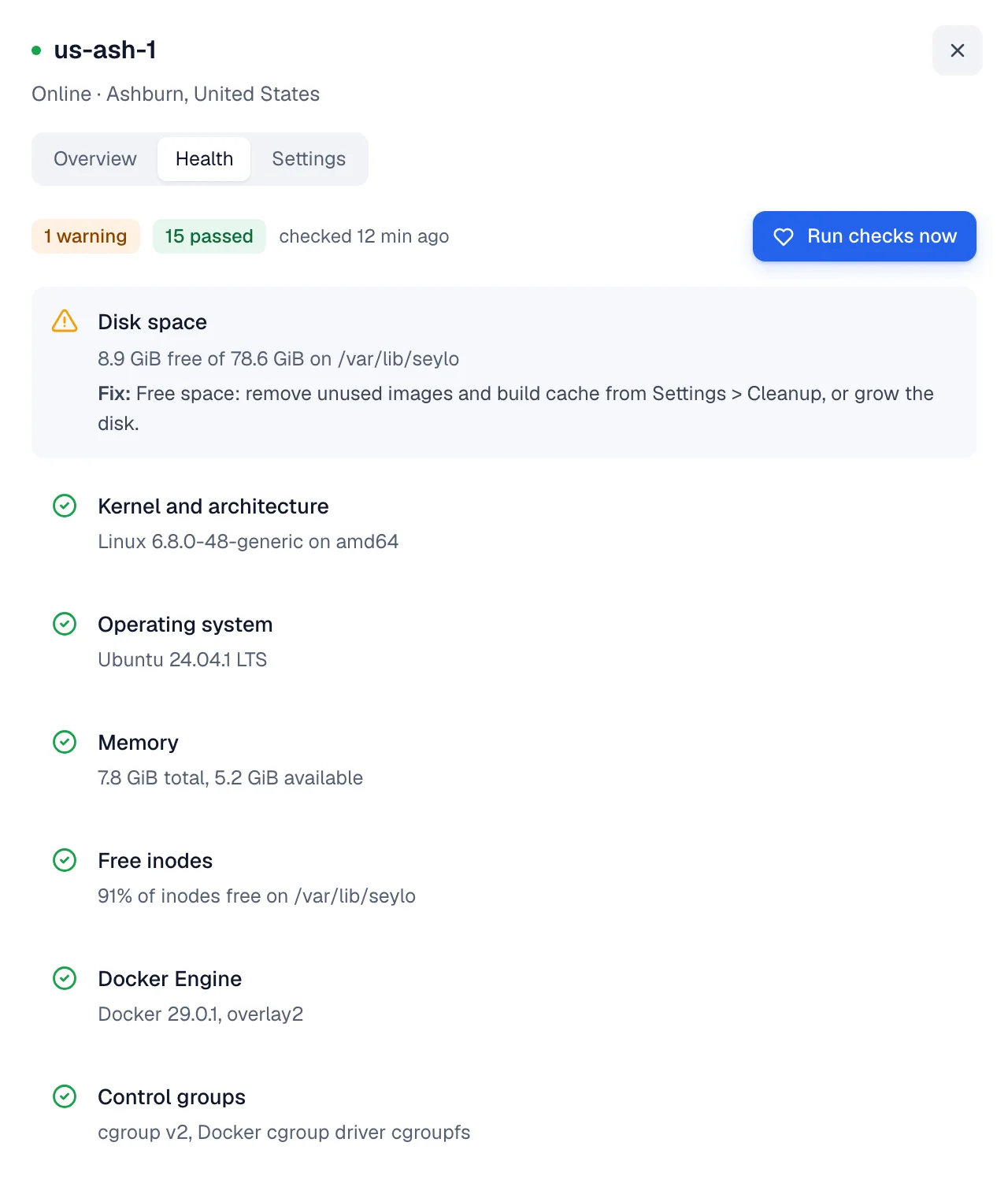
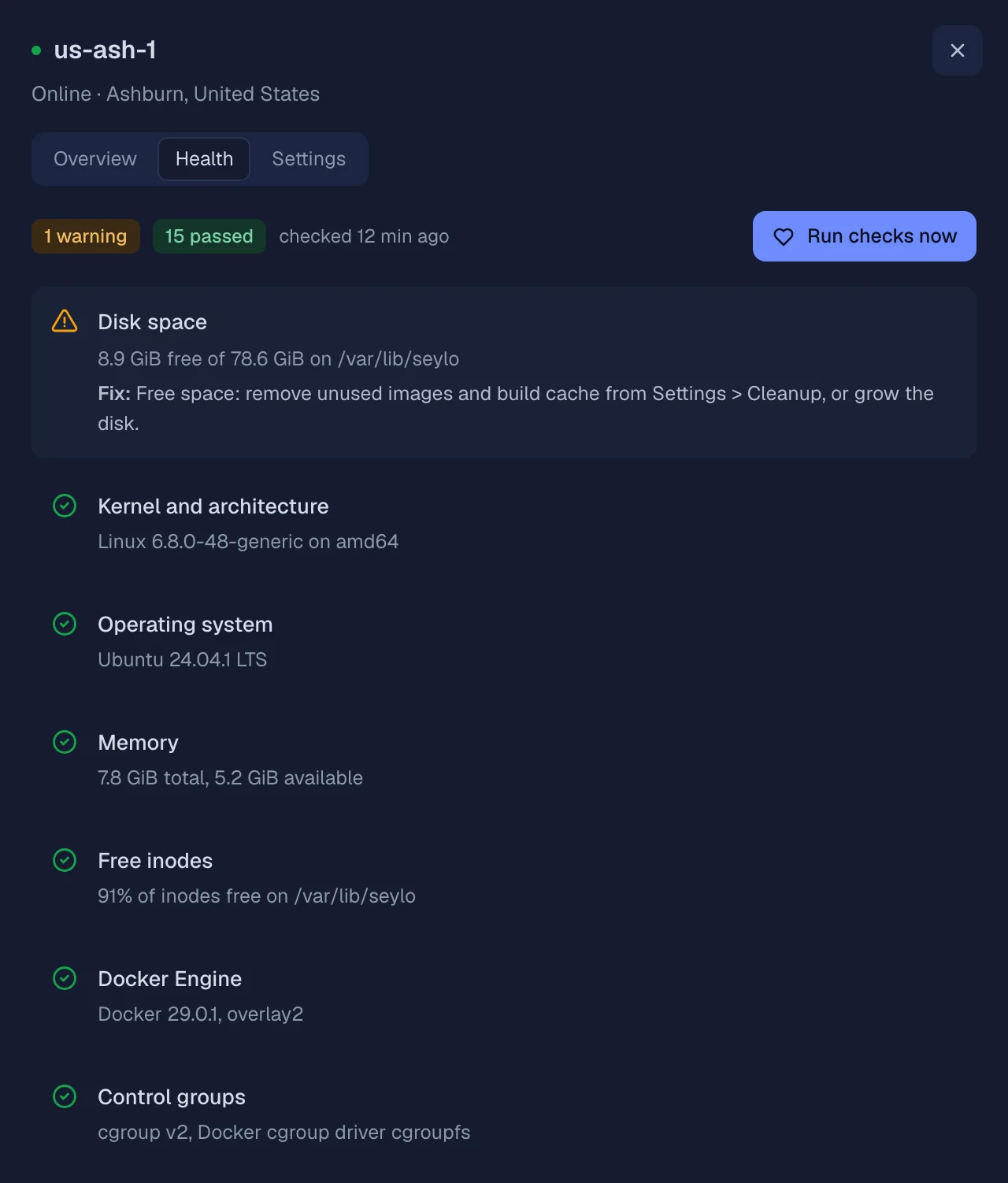
A health check with the fix
16 checks per node: kernel, disk, Docker, cgroups, ports, proxy, DNS, firewall, clock, the panel connection and more. Each problem comes with the step that fixes it. Updates roll the panel first, then one node at a time, and a node that fails to start the new version rolls back by itself.
- 16 checks
- Auto-update
- Panel first, then node by node
- Rollback
Five engines, private by default.
Each project has its own network. Services on the same node reach a database by name; nothing else can until you expose it.
- PostgreSQL
- MySQL
- MariaDB
- MongoDB
- Redis
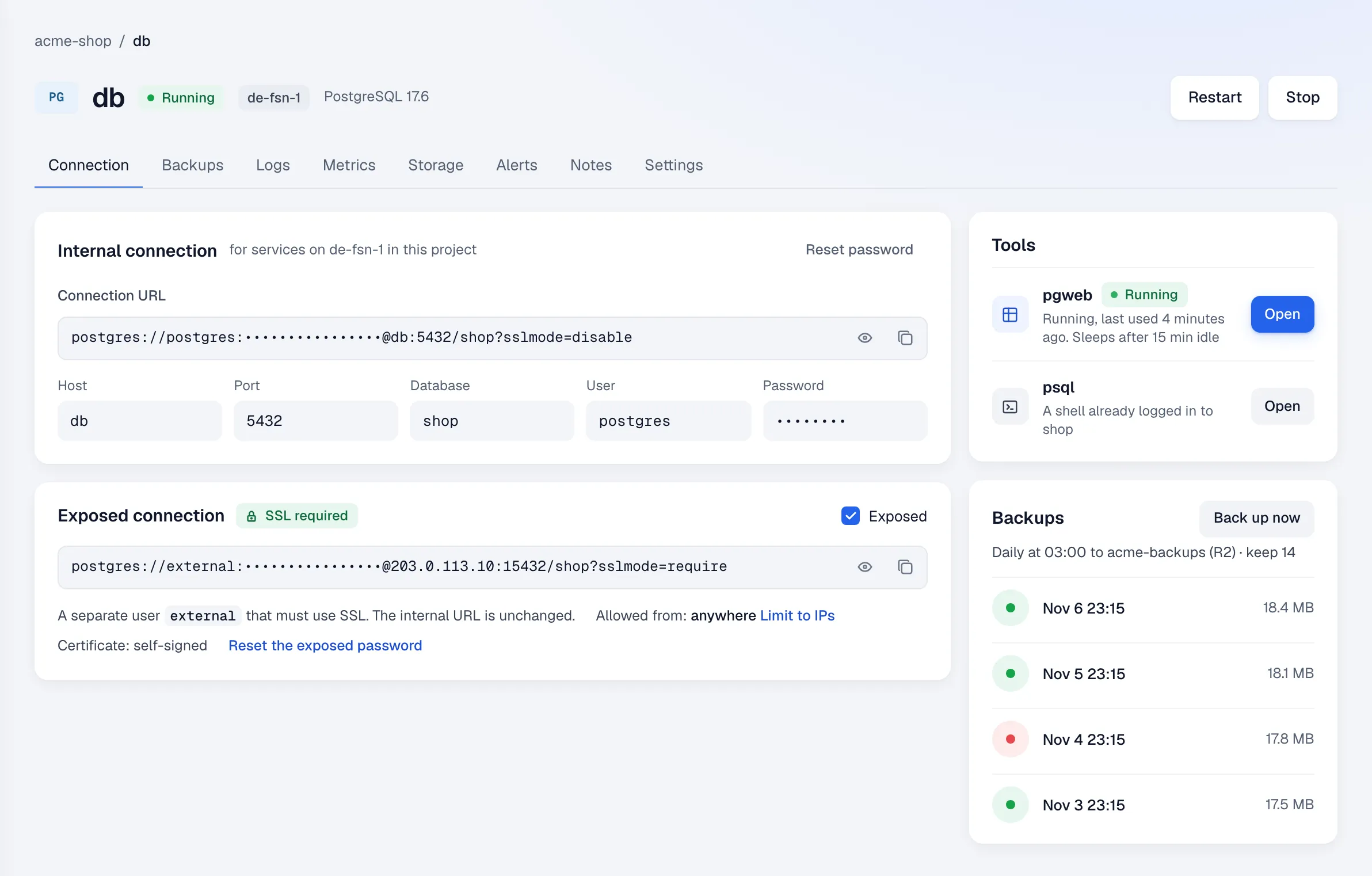
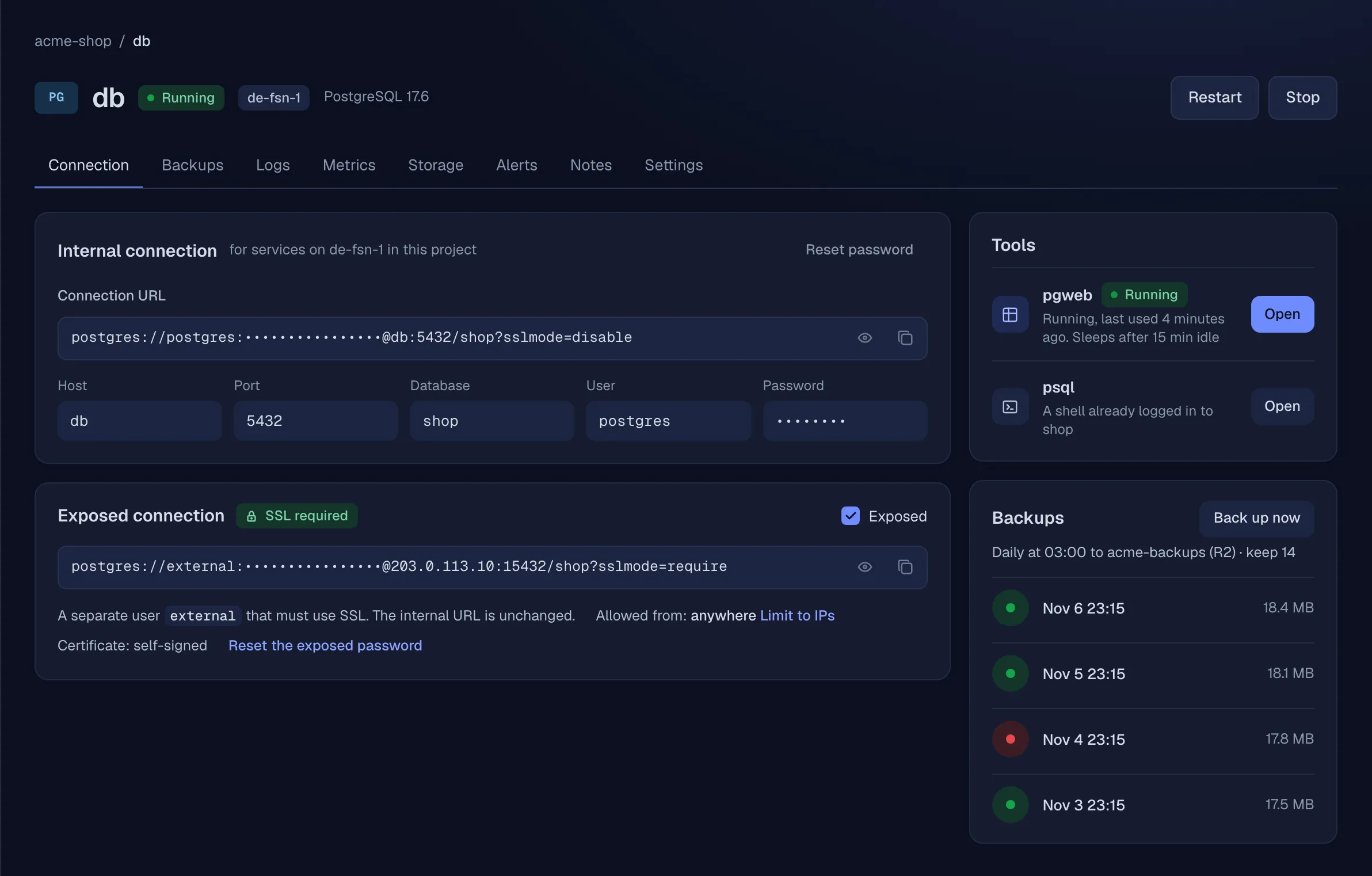
Exposed over TLS only
Exposing one adds a separate user that must use TLS; Redis keeps its default user behind TLS. The internal URL stays the same.
A web UI, signed in
pgweb, phpMyAdmin, mongo-express or Redis Commander, started on click and stopped when idle.
A shell that's logged in
psql, mysql, mariadb, mongosh or redis-cli in the browser, no password to look up.
Backups to S3 or R2
Dumps on a schedule with keep-last retention, to S3, R2 or MinIO. Restore any kept run.
See what your apps are doing.
Every service gets logs, metrics, uptime checks and crash reports. No second tool to install.
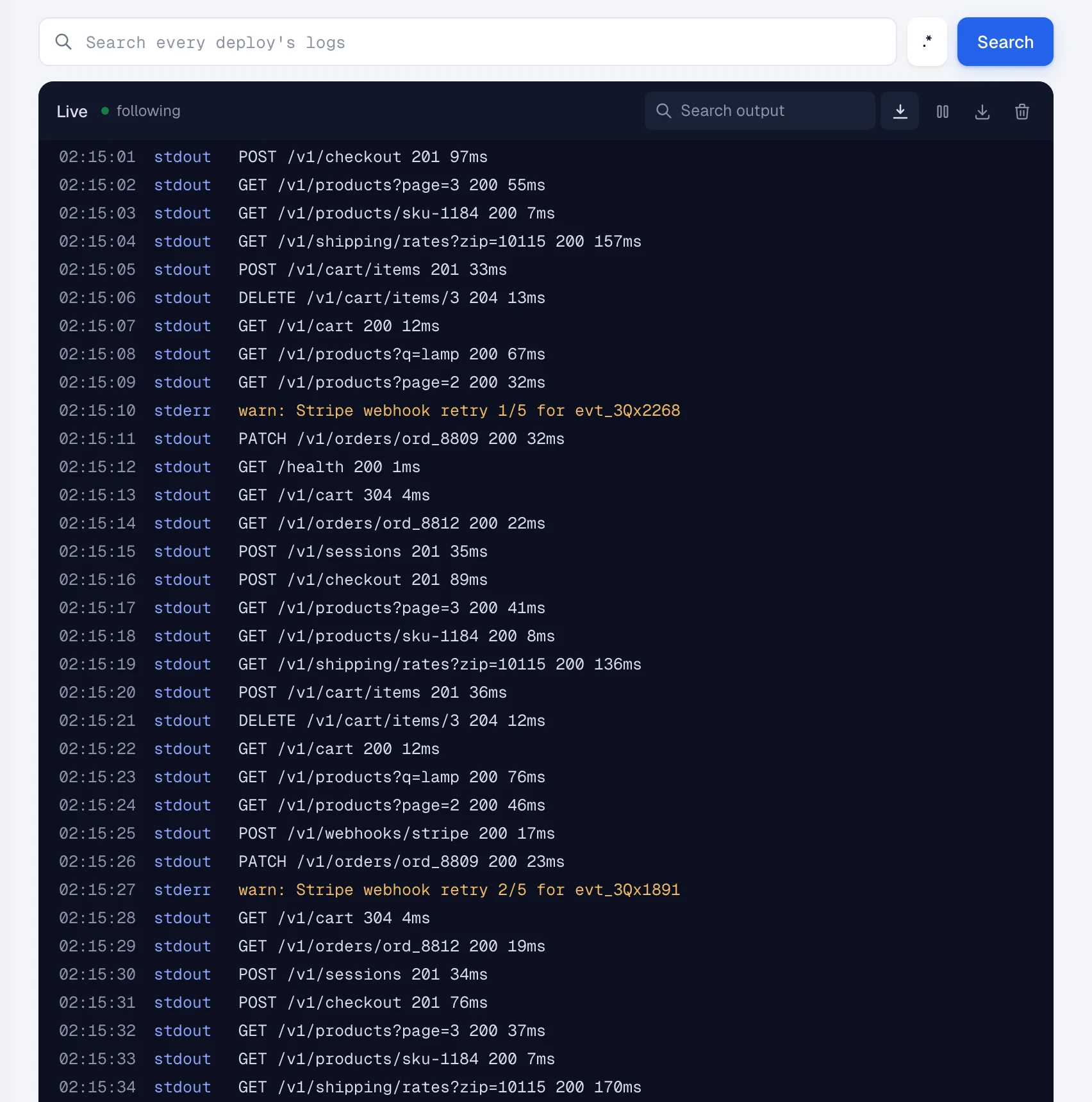
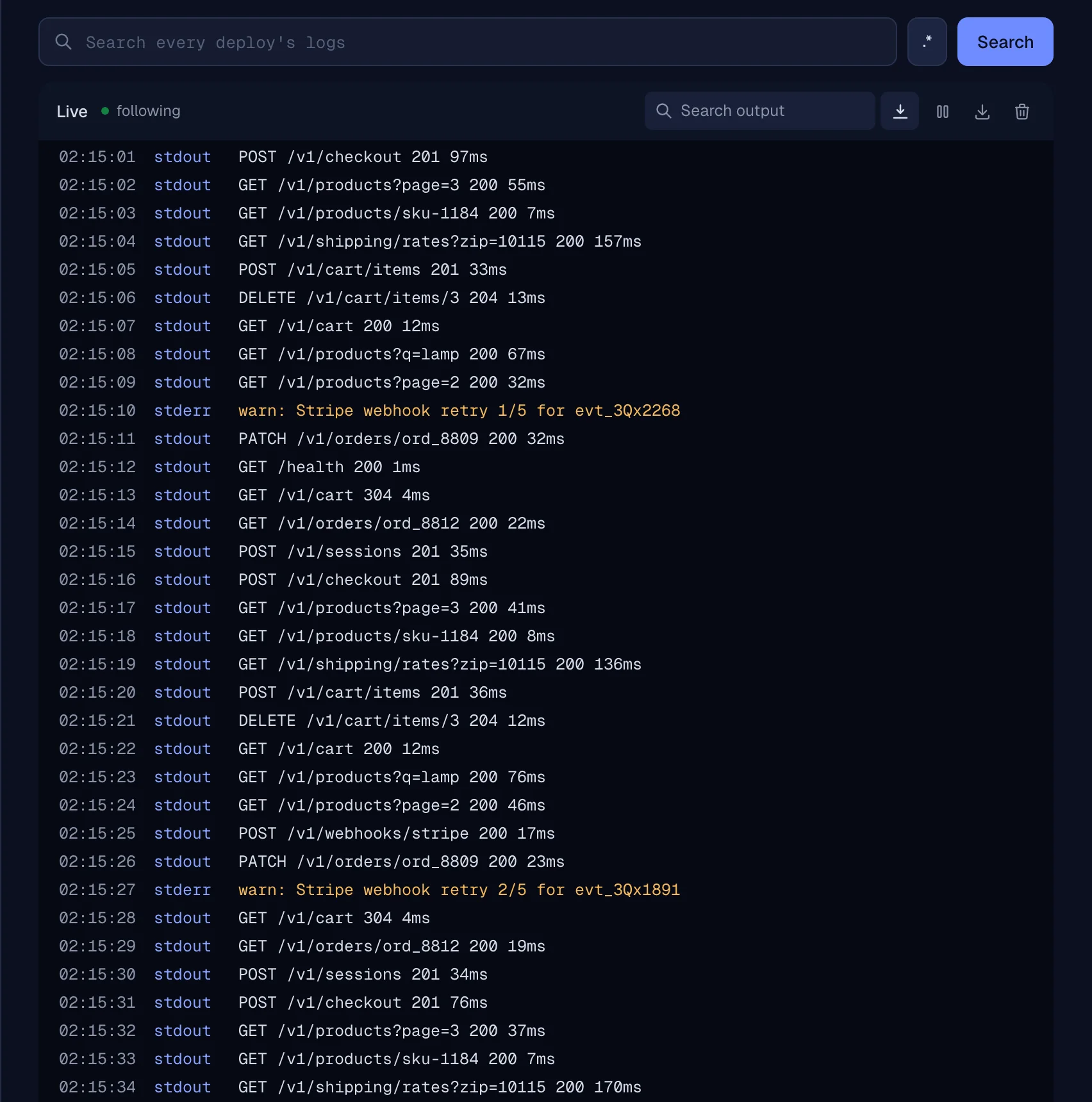
Logs across deploys
Search every deploy's logs, not just the running one, or follow them live. The console, a shell and a file browser for the volumes open in the browser too.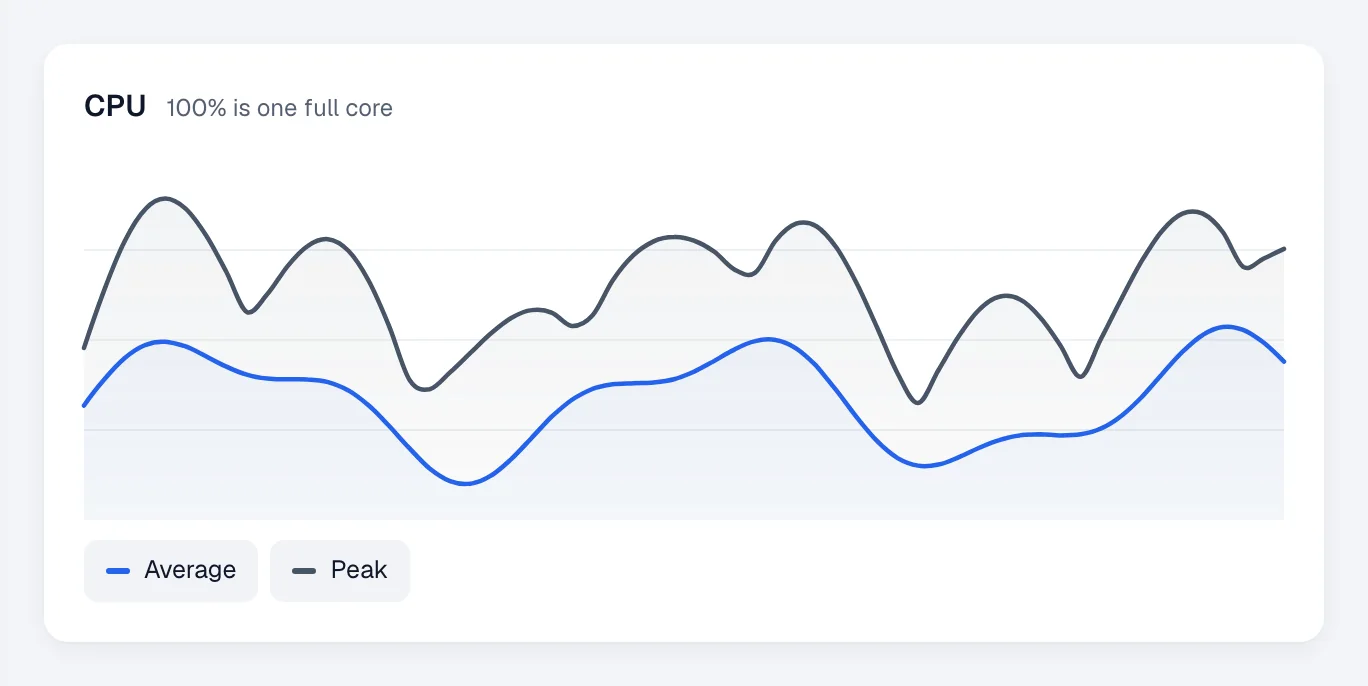
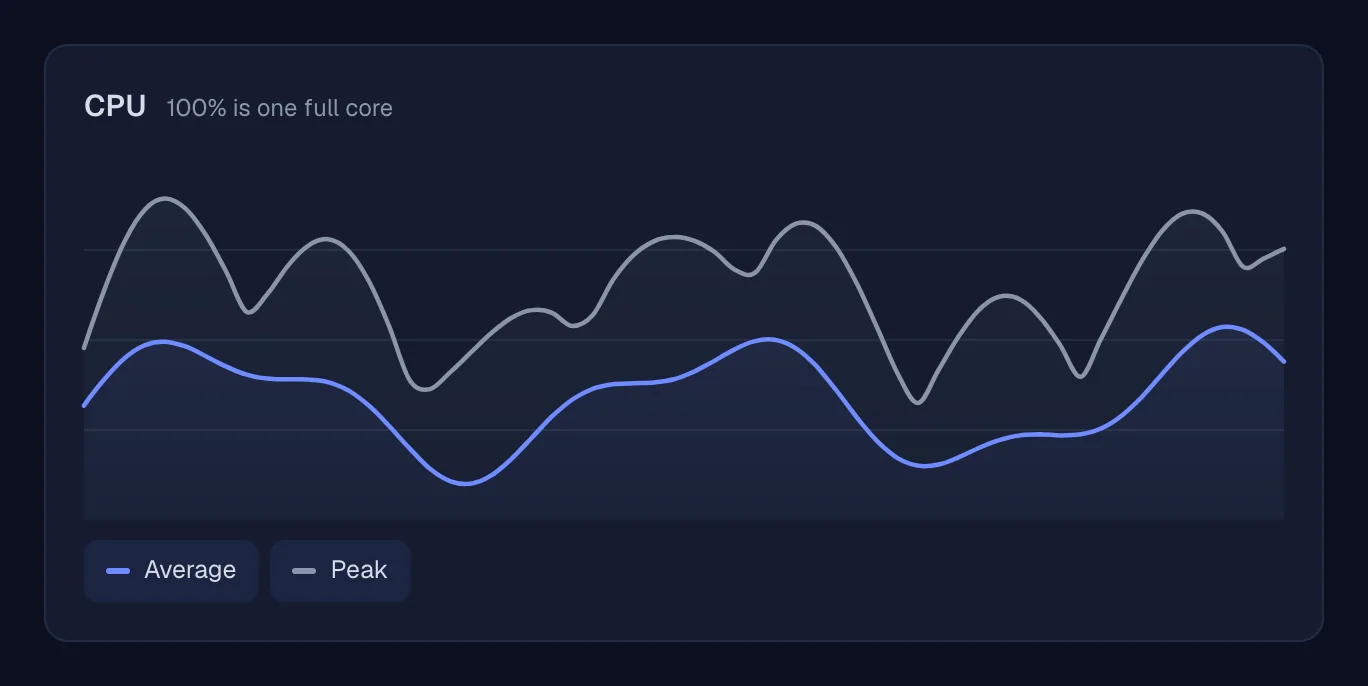
Metrics per service
CPU, memory and network, average and peak, from live up to 30 days.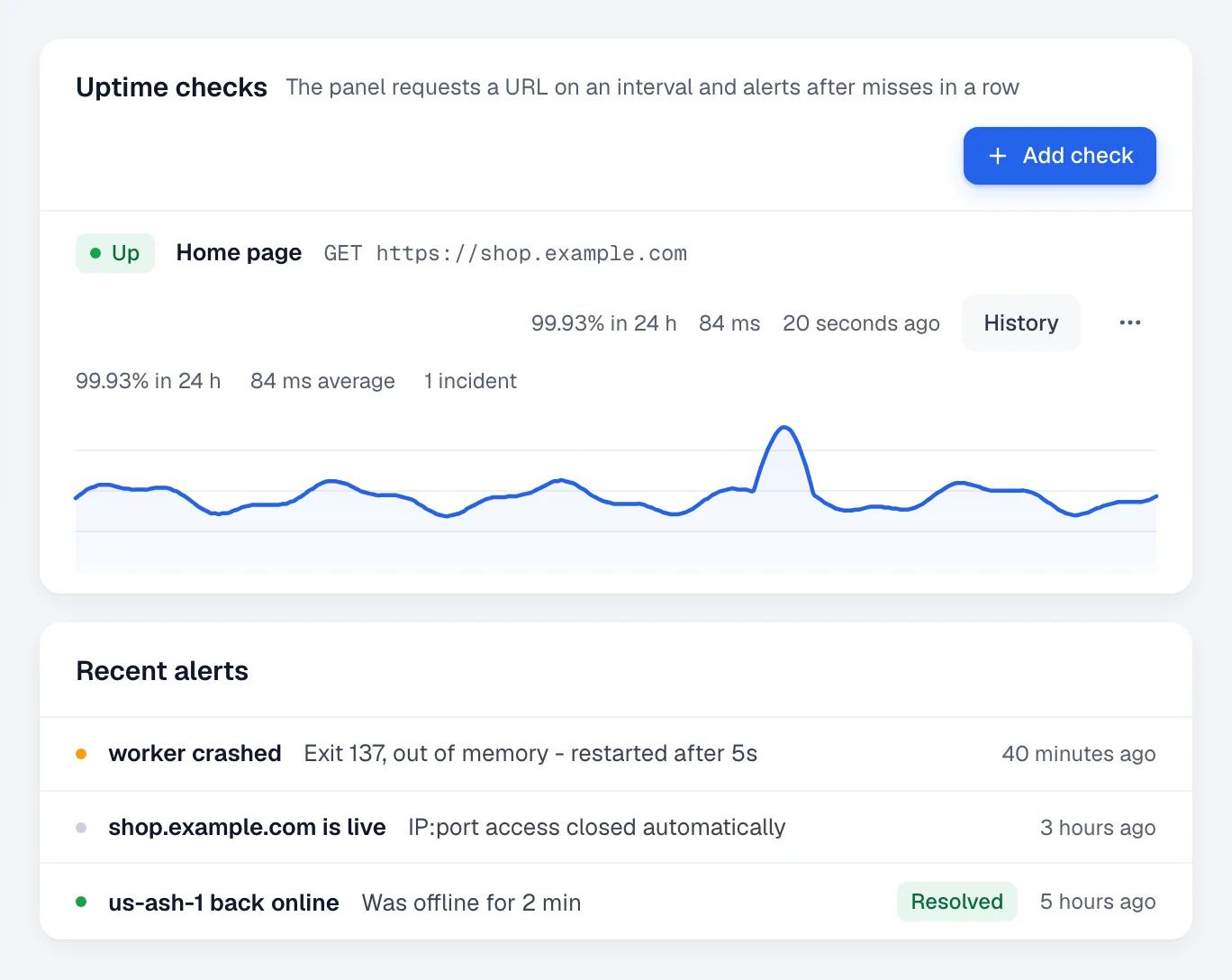
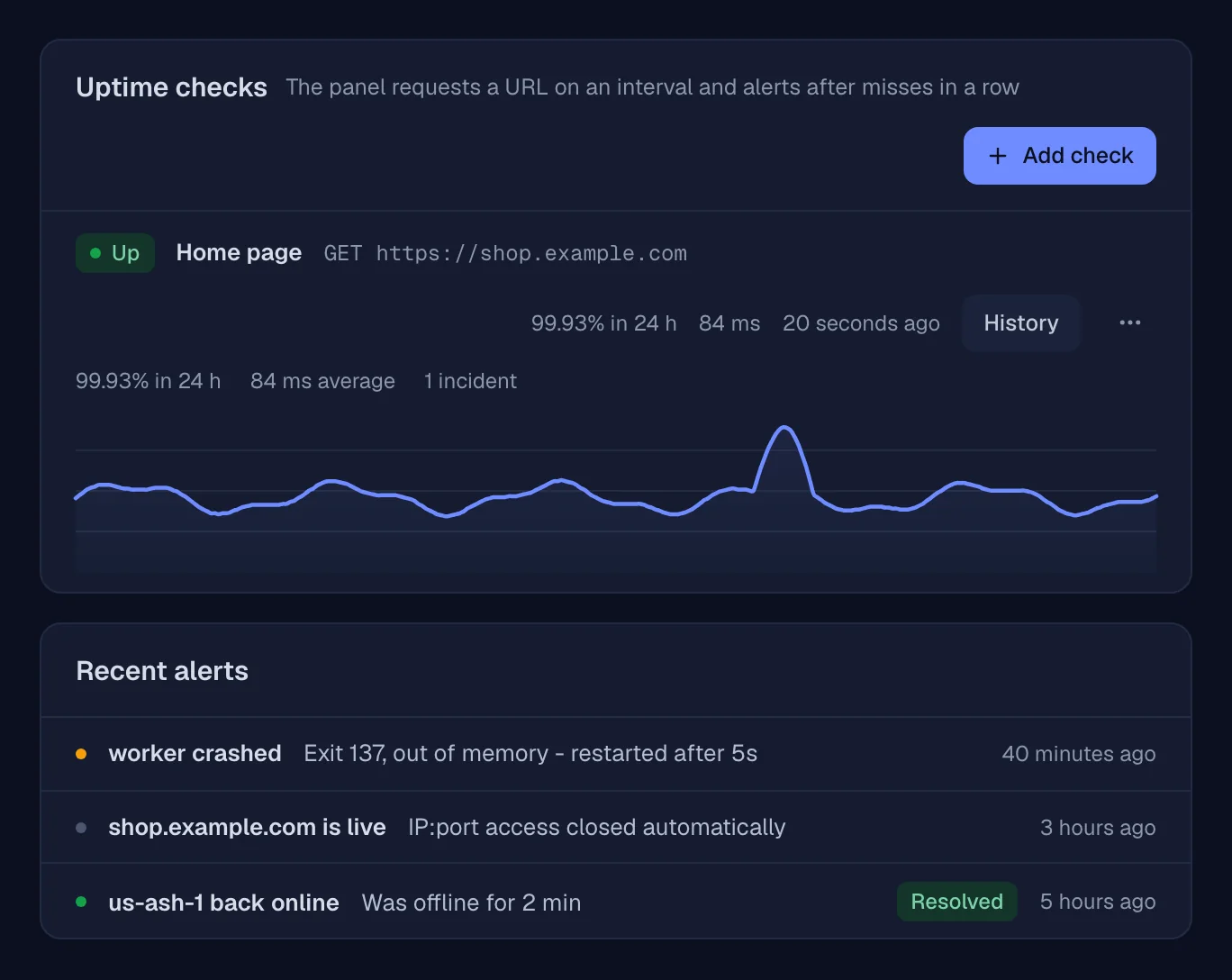
Uptime checks and crash reports
A URL checked on an interval, with its latency history. A crash alert carries the exit code and the last 100 log lines.Alerts where you already look
Choose which events go where: crashes, failed builds and deploys, health checks, uptime, certificates, backups, cron runs, disk space, offline nodes. Panel-wide defaults, changeable per service.
- Discord
- Slack
- Telegram
- ntfy
- Pushover
- Gotify
- Webhooks
Let people and tools in, one scope at a time.
Roles and grants
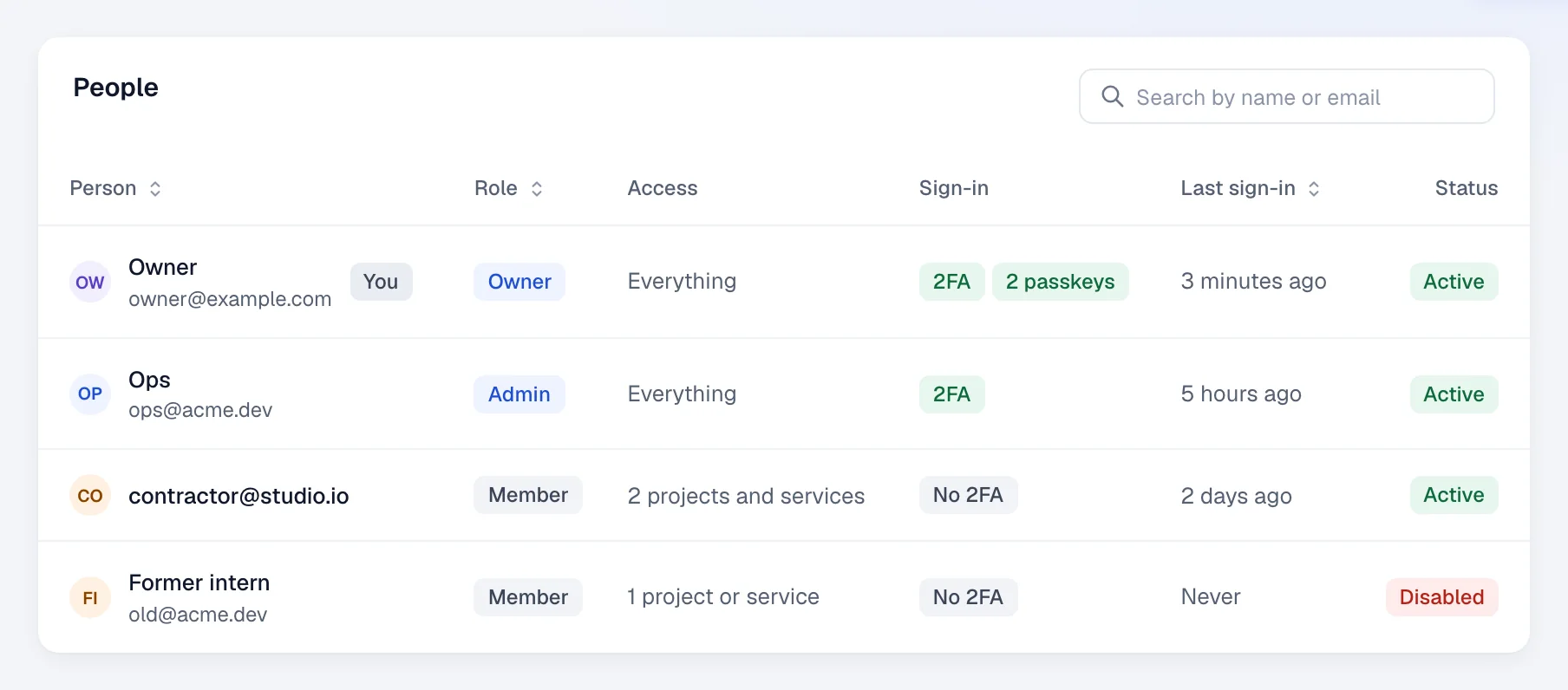
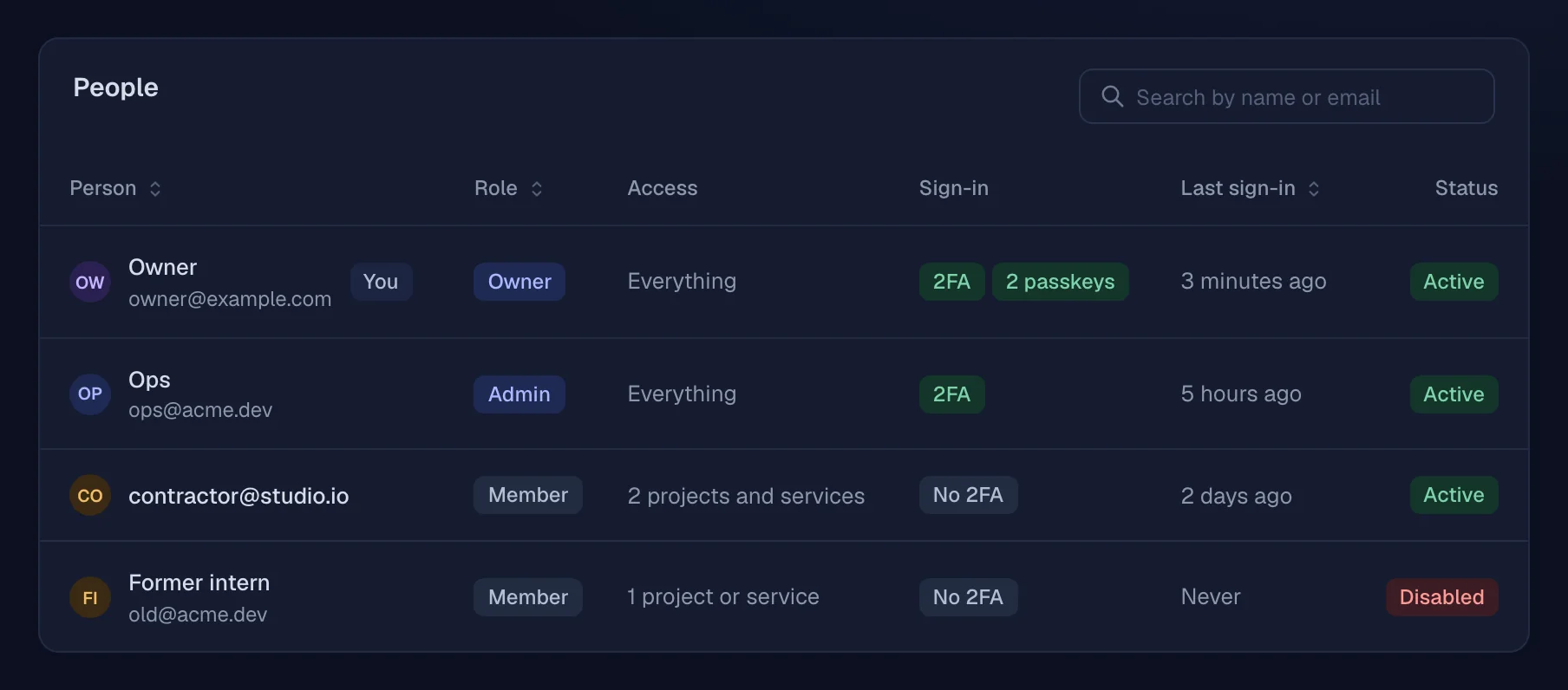
Owner, admin and member. Members reach only the projects and services you grant them, down to single actions.
2FA and passkeys
Authenticator codes with recovery codes, and passkeys. New keys and sign-in changes ask you to confirm it's you.
Scoped API keys
Limited to the actions and projects you pick, read-only if you like, with an expiry date.
An audit log
Every change through the panel, the API, MCP or the assistant, and every refused attempt. Filter it, export it.
A CLI for your laptop
Login opens the panel in your browser: type the code your terminal shows, pick what the key may do, approve.
seylo login https://panel.example.comMCP with an approvals queue
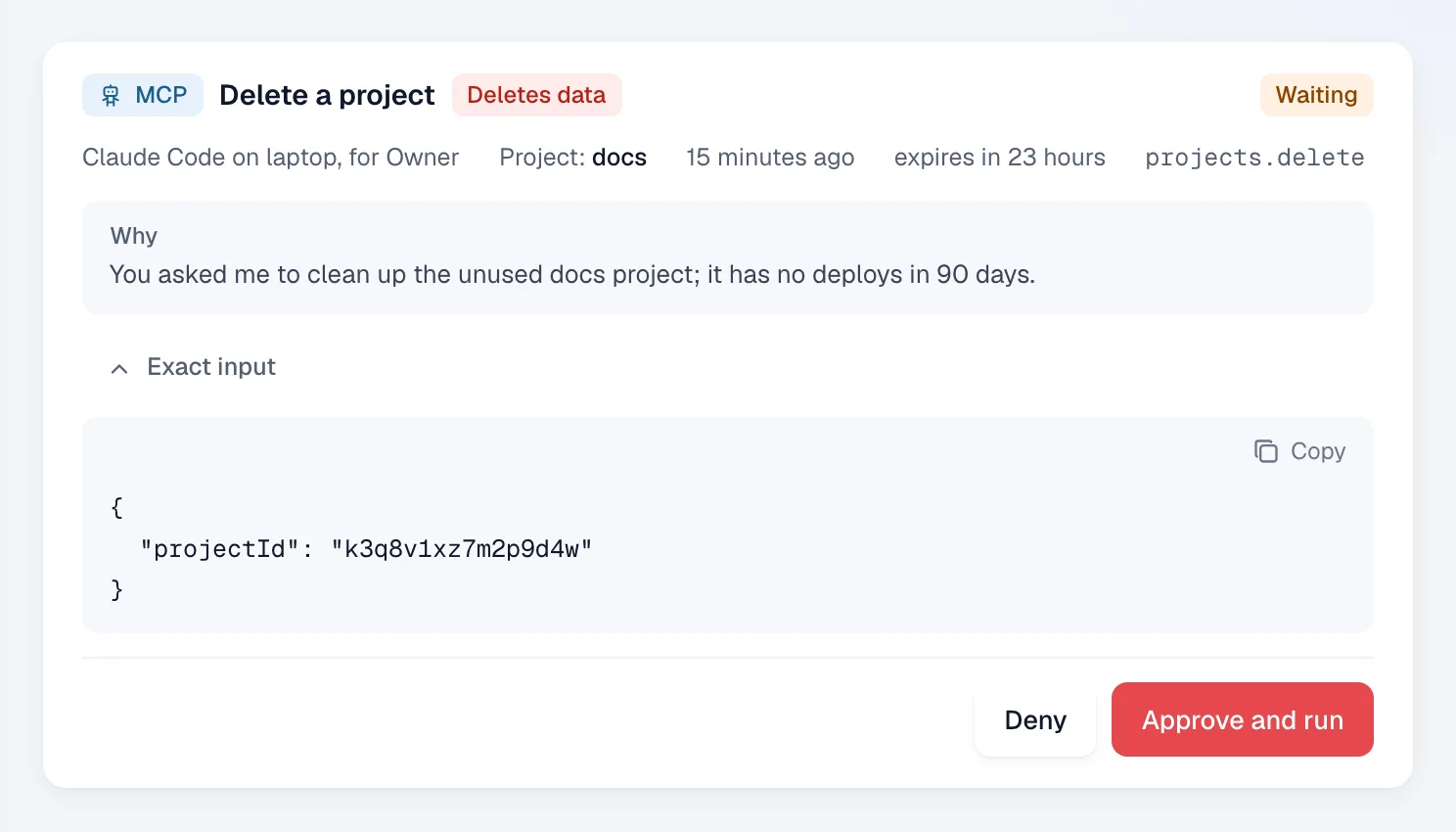
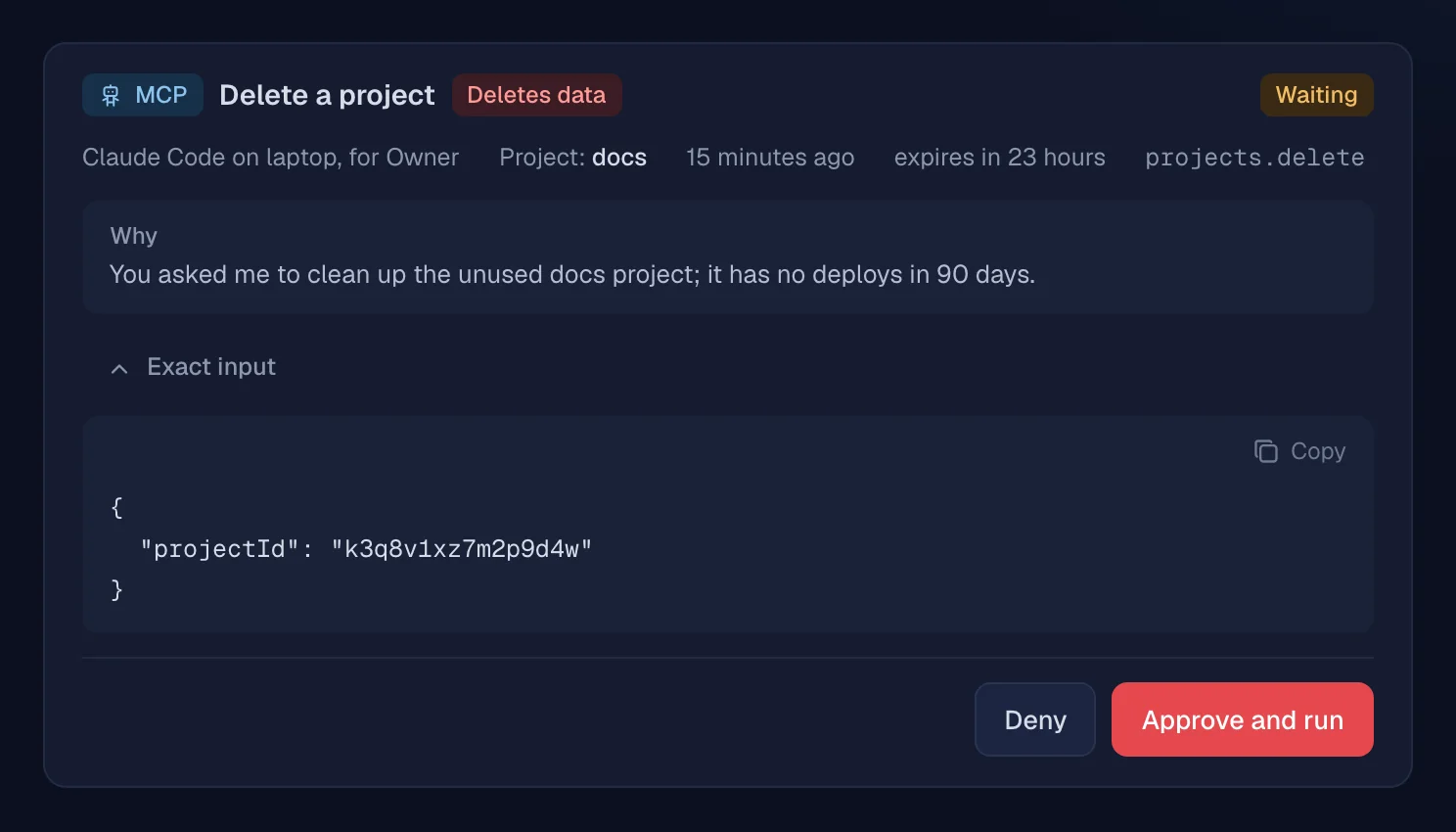
AI tools start read-only. Deletes and anything that can't be undone wait in Approvals until a person says yes; the rest runs only with the actions you gave the token.
Make it yours.
Hand the panel to a team or to clients under your own name. Four theme presets, the default one following light or dark mode, then your accent color and your own CSS on top.
- Panel name
- Logos for light and dark
- Favicon
- Sign-in message
- Hide "Powered by"
- Accent color
- Custom CSS
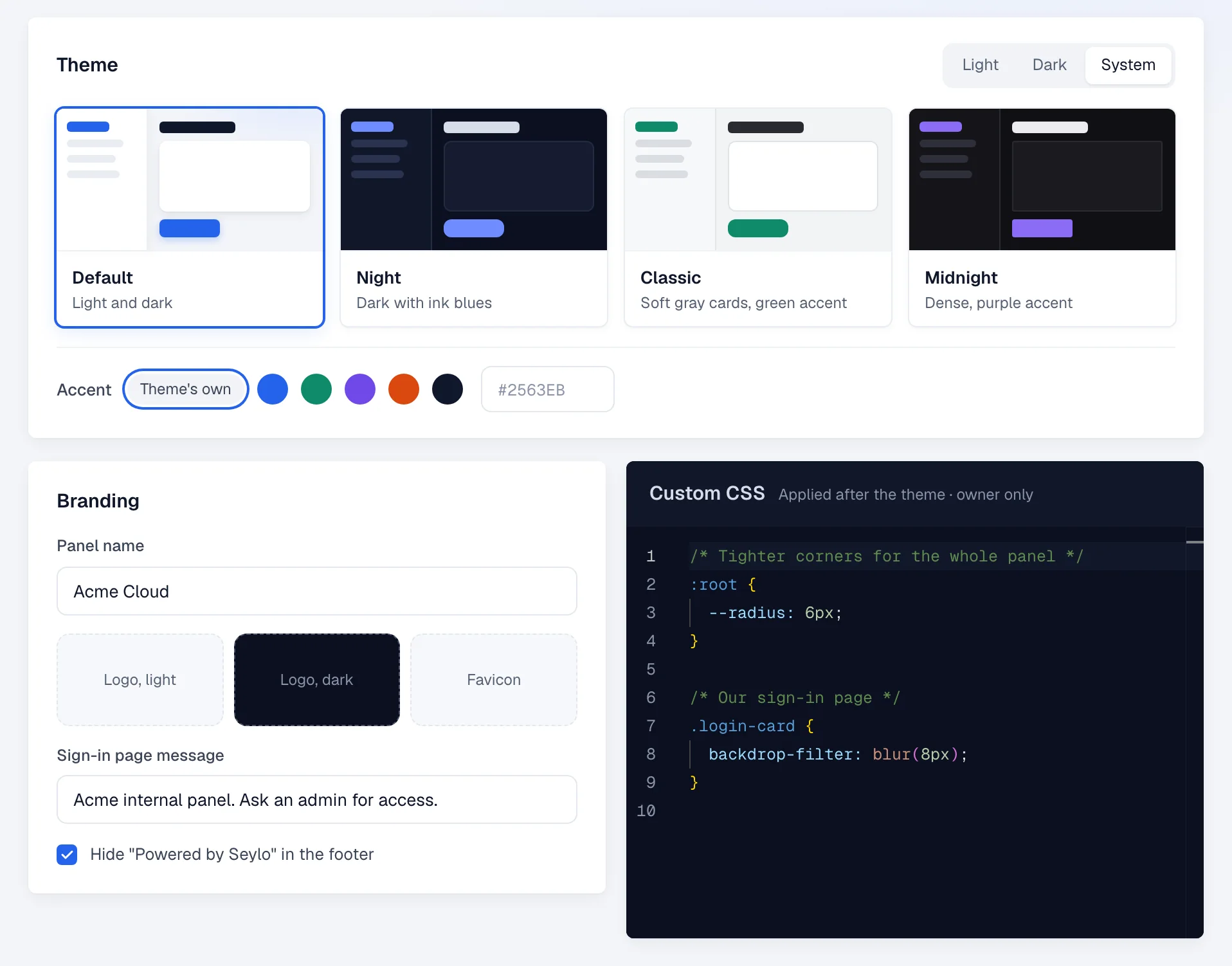
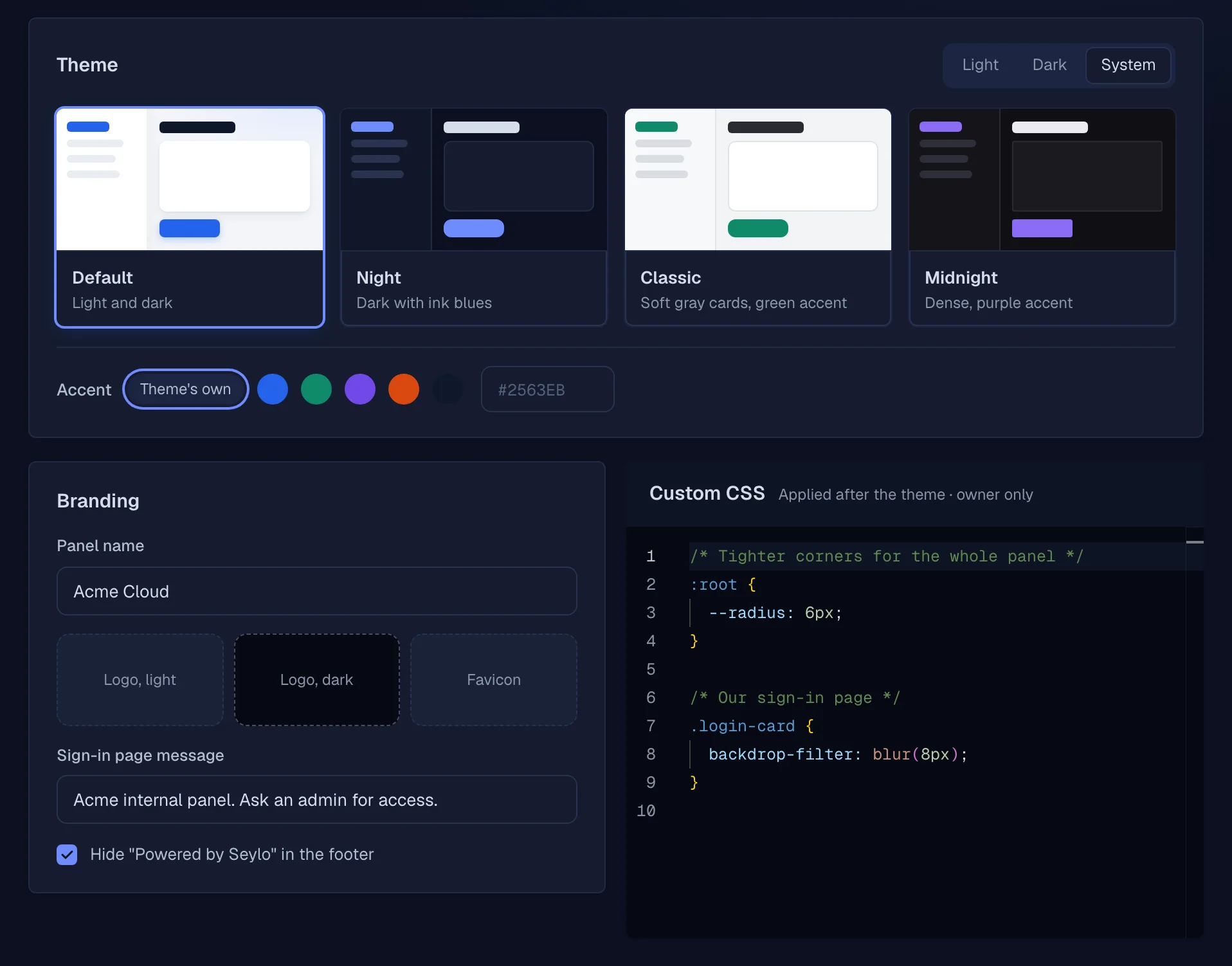
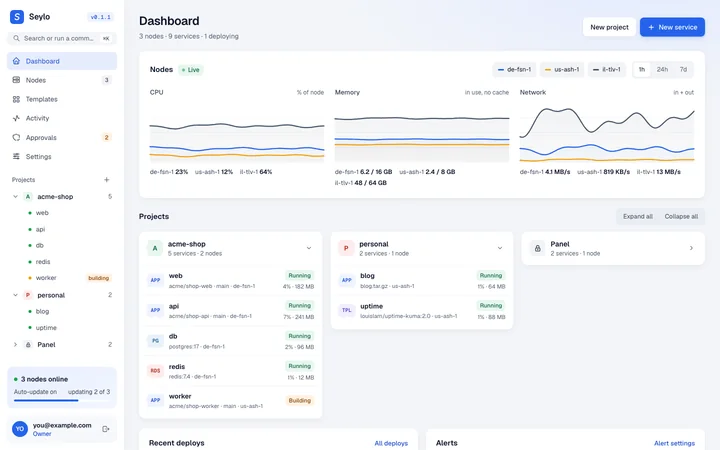 DefaultLight and dark
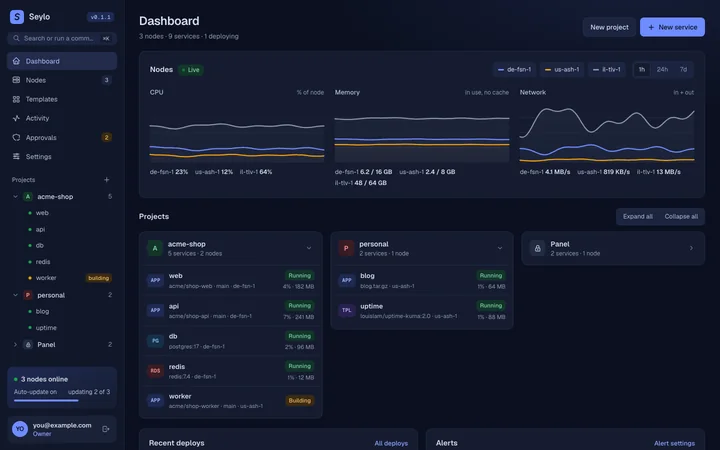 NightDark with ink blues
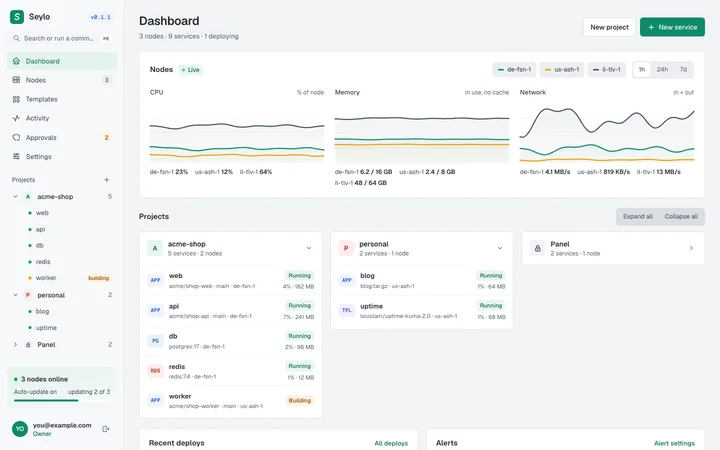 ClassicSoft gray cards, green accent
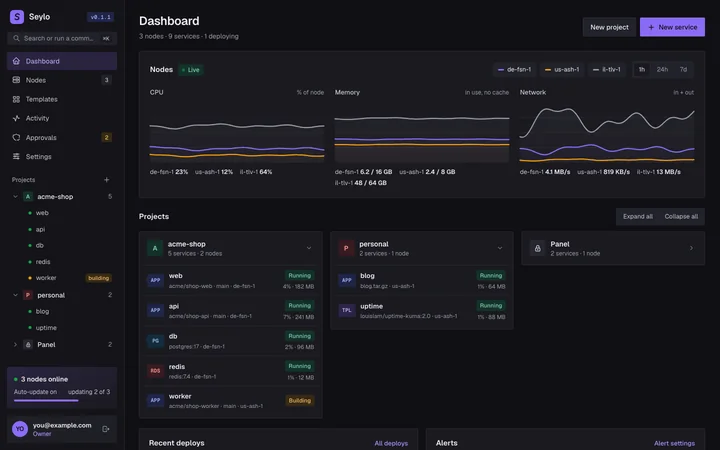 MidnightDense, purple accent
Runs next to your game servers. No extra VM.
Seylo shares the node's proxy with Wings and never touches containers it didn't create. One switch gives game servers first claim on the CPU, so a big build can't cause lag.
- il-tlv-1Wings detected
- cs2-retake-01, cs2-mm-04priority
- api, worker, umamishare the rest
Own your platform.
Free and open source. Bring a server with Docker.